
Every issue of the Advisorator newsletter, dating back to 2018. Want a super-dense list of just the headlines? You’ll find it here.
-
How I’m using AI (according to AI)
I had Claude analyze all my chats to show what I used it for.
-
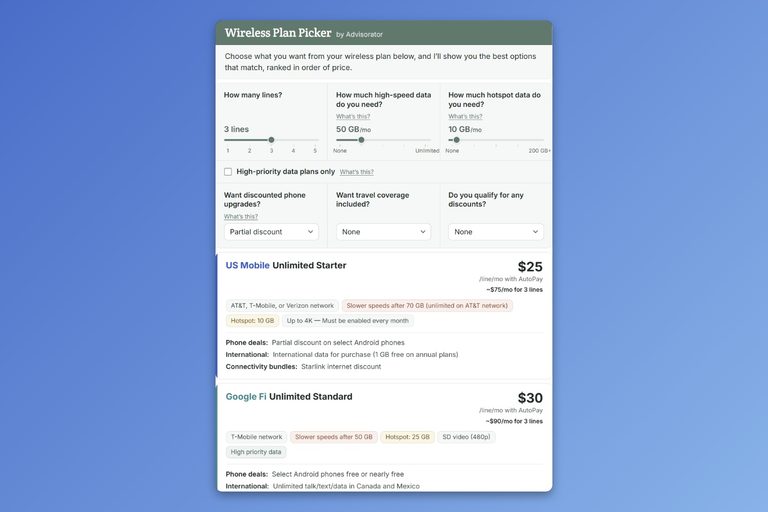
Find a cheaper phone plan
Compare the major carriers with cheaper prepaid alternatives.
-
How my switch from Gmail is going
Fastmail has done everything necessary to prove itself as an adequate (or even superior) Gmail replacement.
-
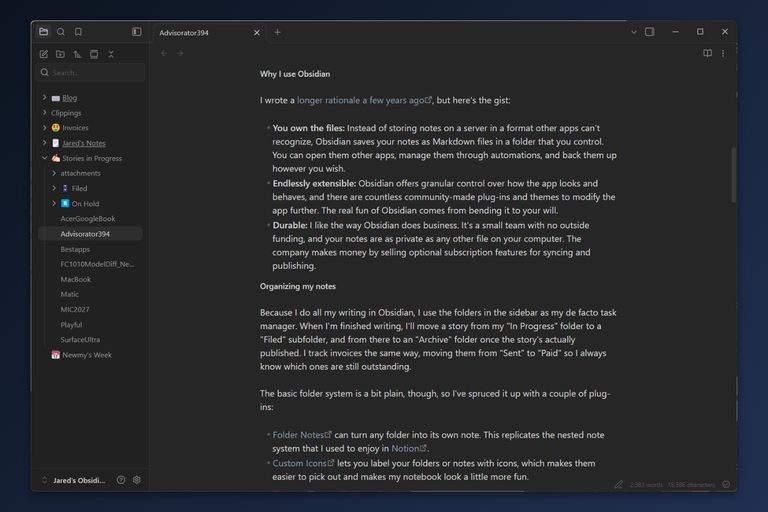
My personal notetaking setup
Obsidian offers a level of freedom and flexibility that basic notetaking apps can't touch.
-
Take better notes
What to use for digital notes and how to do a better job taking them.
-
The AI software slop invasion
As the future of software becomes and endless stream of unvetted AI slop, you'll have to become more discerning about which tools you use.
-
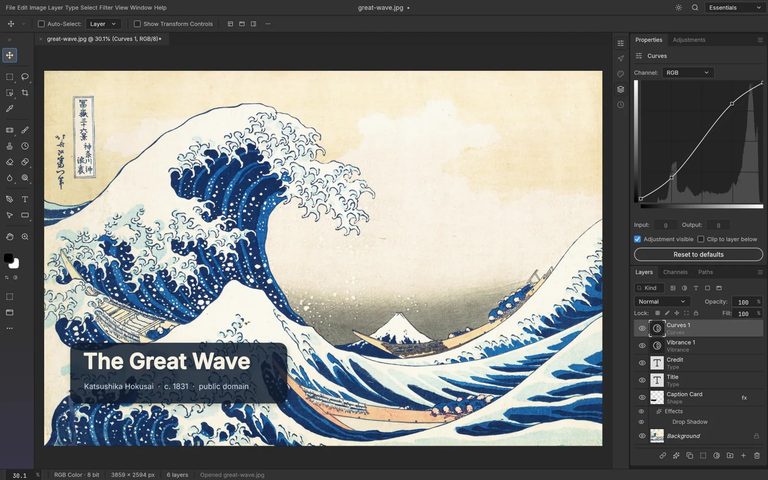
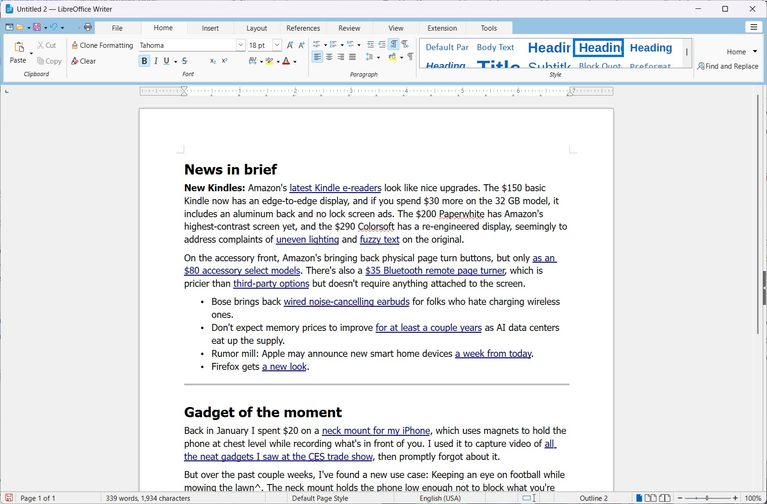
Free alternatives to expensive apps
What to use instead of Word, Photoshop, and more.
-
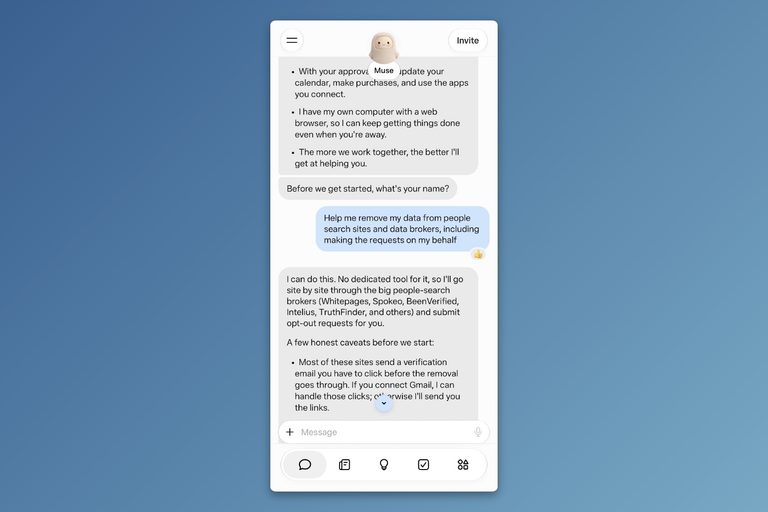
A wild new way to protect your personal info
Here's what happened when I used AI to wipe my personal info from the internet.
-
Big changes for Siri
Siri is good now, but it also takes getting used to.
-
What a free iPhone will cost you
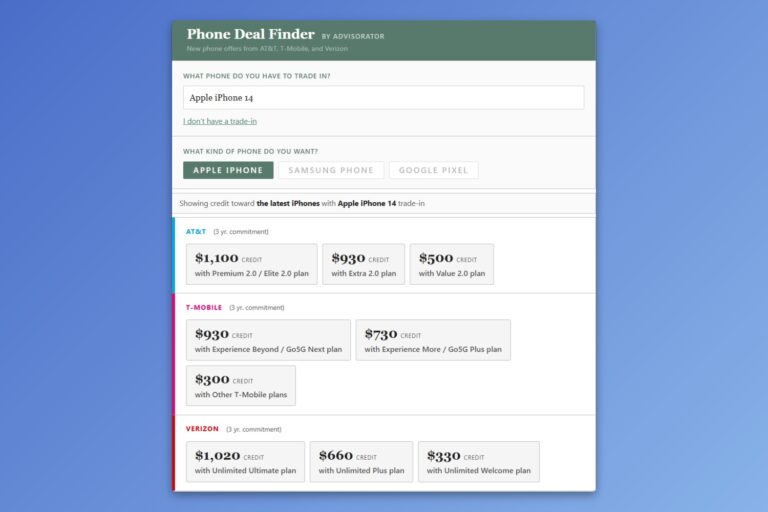
While the big carriers love to yell about getting a new iPhone "on us," they tend to bury important details in the fine print.
-
Stop your phone from waking you at night
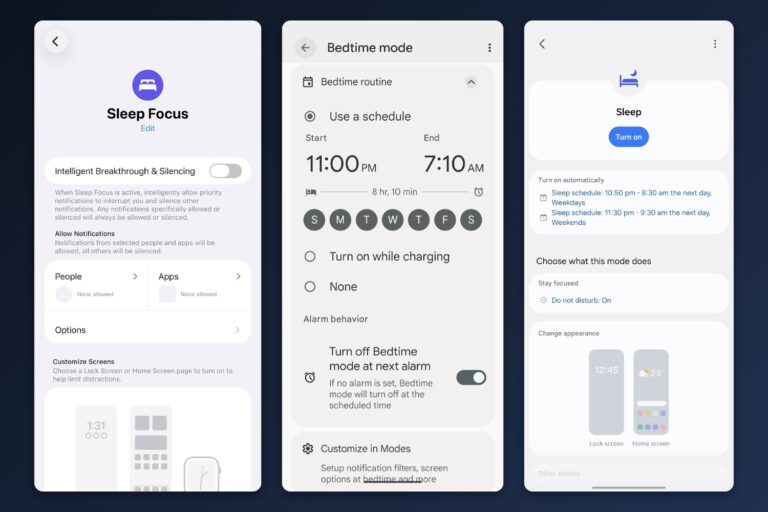
If your phone has ever woken you up in the middle of the night for no good reason, this guide is for you.
-
Why I just completely wiped my computer
There is no computing endeavor quite so satisfying as a full factory reset.
-
Huge cord cutting guide update
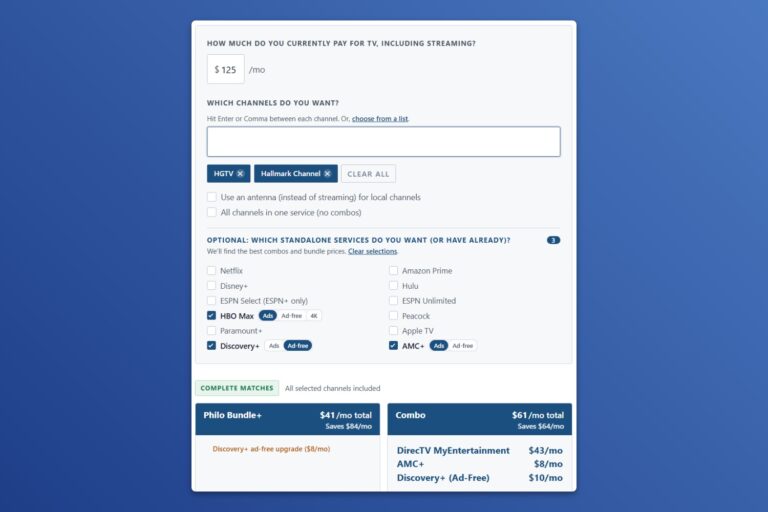
If you're still clinging to cable or want to save more money on streaming, I've got a guide that can help.
-
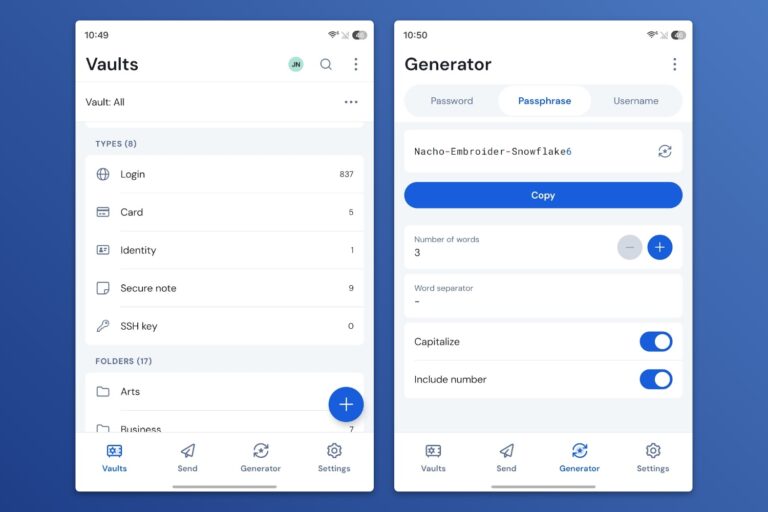
How to actually use a password manager
Password managers are supposed to make your online accounts more secure and easier to access, but they can also cause problems.
-
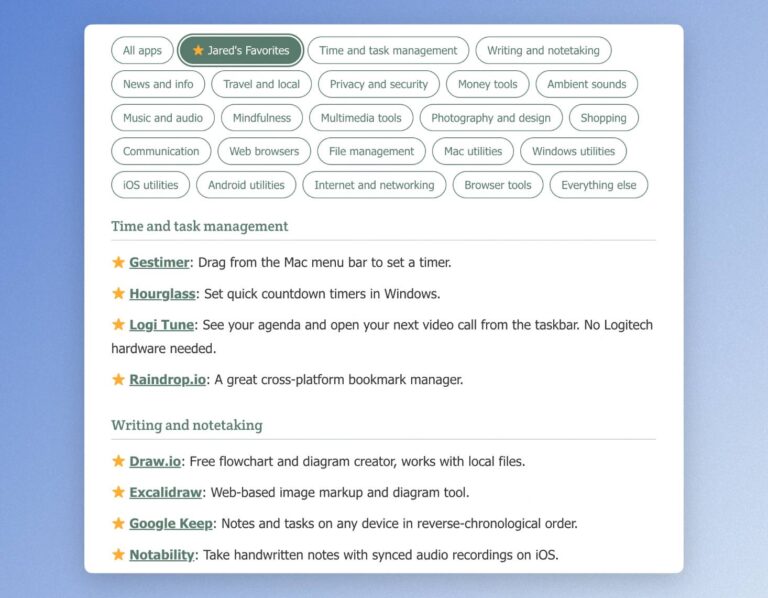
My favorite tech tools, wireless plan picker updates
Updates to my personal tech setup, wireless plan picker, and ultimate app list.
-
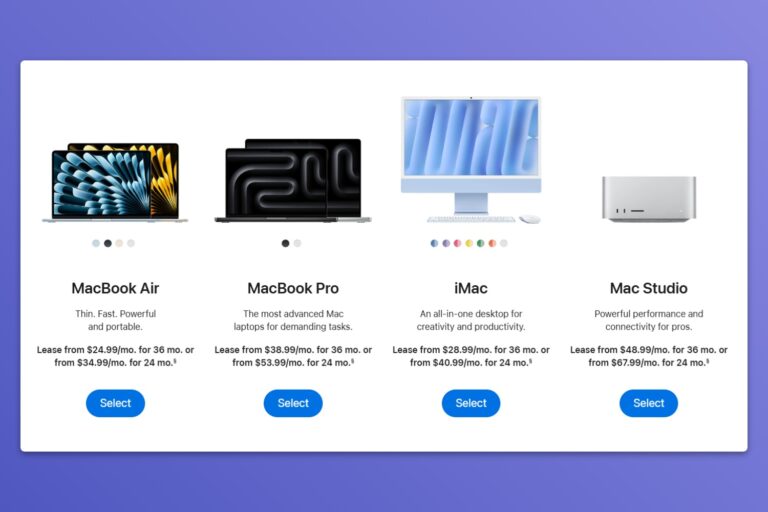
Beware of Apple Upgrade
While spreading out the cost of Apple hardware may look attractive, it'll likely cost you more in the long run.
-
Sell your old electronics already
Over the years I've amassed a bunch of ways to get rid of them, usually earning some cash in the process.
-
Did you know Spotify can do all this?
While Spotify aggravates me in some ways, it's also full of features that make listening to music more enjoyable.
-
Your library’s overlooked tech features
All the tech-related services you might be overlooking from your local library, many of which are free.
-
Just buy the cheapest printer
You can spend a lot of money on a printer, but why should you?



Every cord cutting column I’ve ever written, dating back to 2014. Recent issues of my Cord Cutter Weekly newsletter are available here.
-
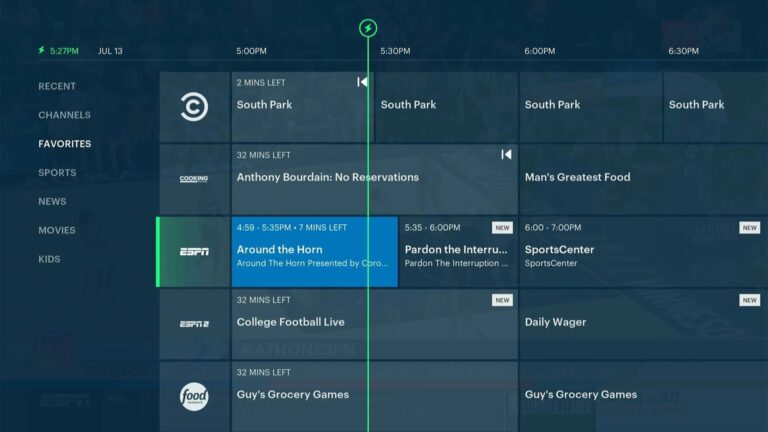
Why does Hulu’s live TV service still exist?
At $100 per month, this cable replacement is stuck in the past.
-
Fox owns Roku now: Here’s what to expect
Less neutrality, more synergy, and a couple of dead products.
-
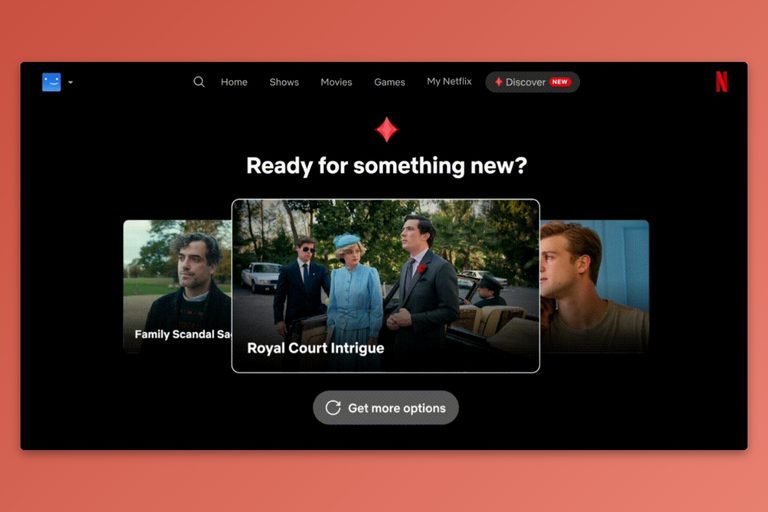
Netflix turns to AI to fix its algorithm’s messes
Predicting exactly what you want to watch has not panned out.
-
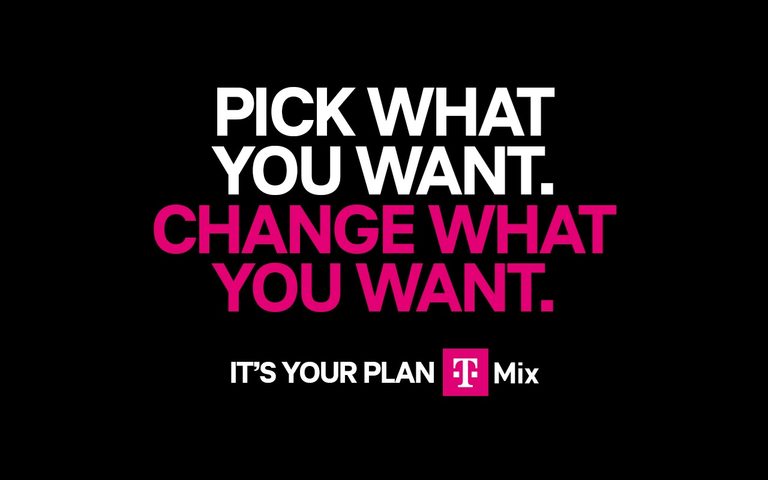
T-Mobile lets you build your own streaming bundle, but there’s a huge catch
New “T-Mix” plans offer a choice of free streaming services at the expense of new phone upgrades.
-
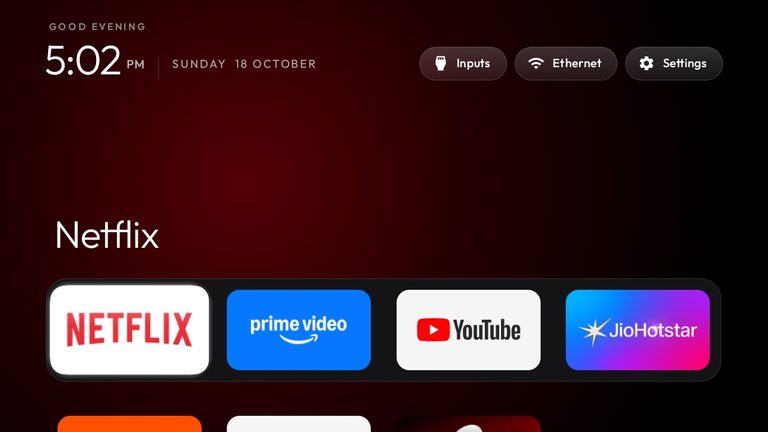
Please don’t use AI hacks to debloat your TV
There are easier and safer ways to fix your smart TV's problems
-
NBA 2026-2027 streaming guide: Making sense of total chaos
Where to watch your local NBA team as the regional sports model collapses.
-
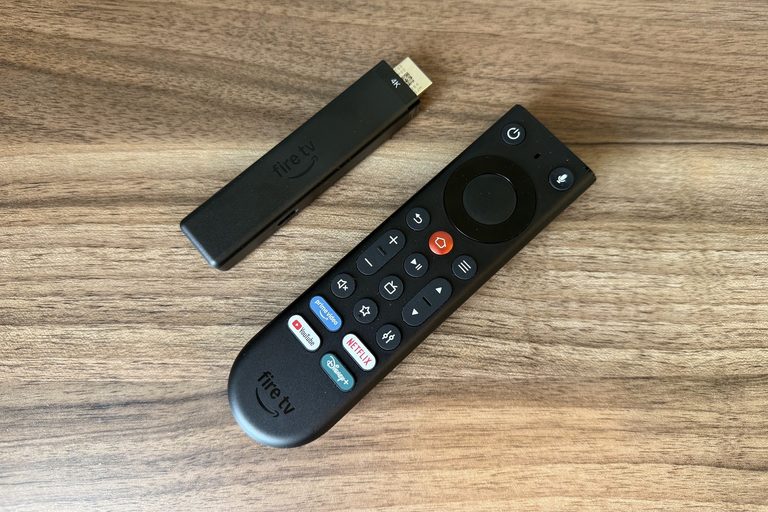
Is the new Fire TV Stick 4K really faster? It depends.
How to stream every show from the New York Times' top 100 list, and how long it'll take you to get through them all.
-
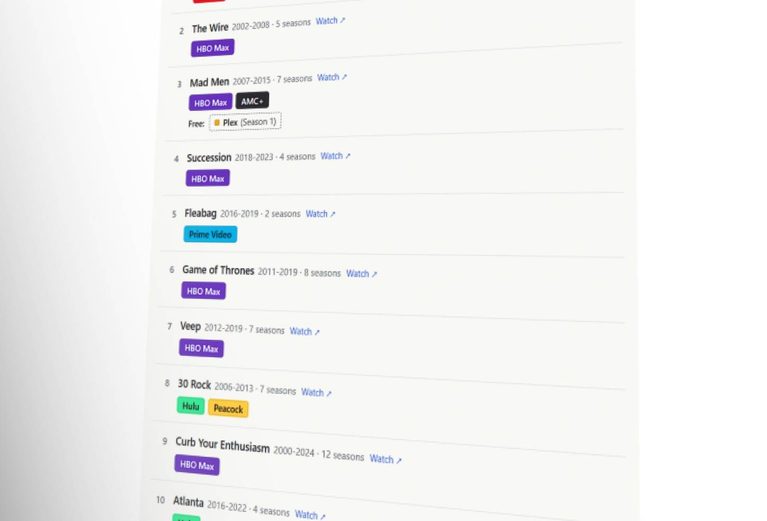
What it costs to stream the top 100 TV shows of this century
How to stream every show from the New York Times' top 100 list, and how long it'll take you to get through them all.
-
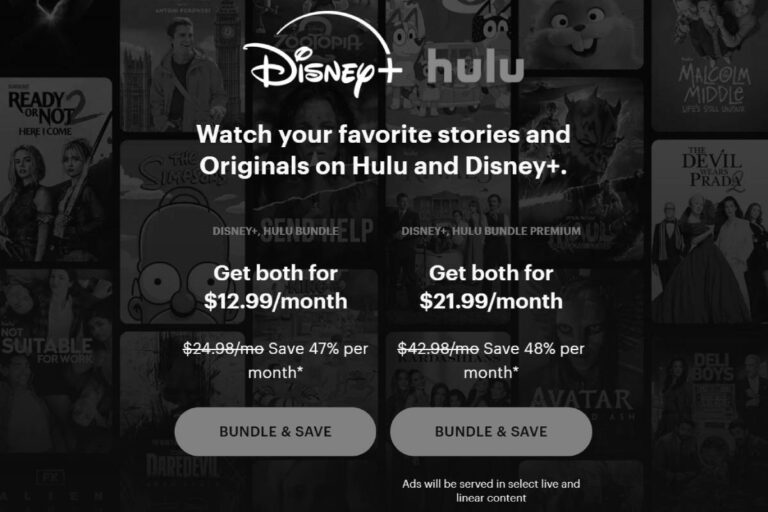
Disney should stop the trickery and just combine Disney+ and Hulu already
If you're paying separately for either service, you're getting ripped off by design.
-
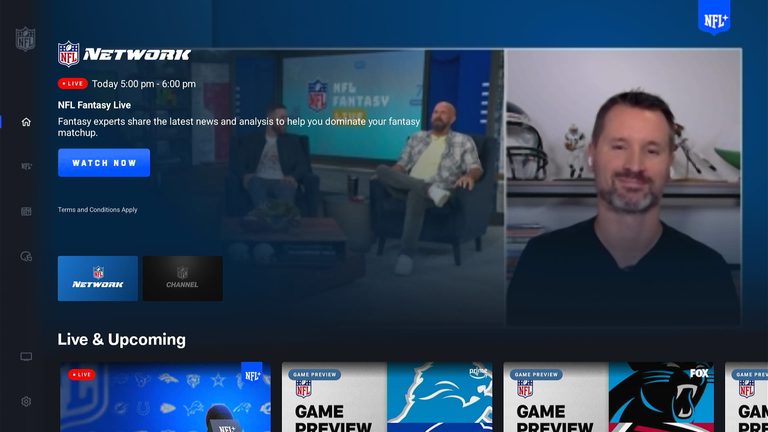
The NFL app is (still) an insult to sports streaming
The richest U.S. sports league should be able to afford better than this.
-
Stop smart TV snooping by LG and others
Worried that your smart TV is spying on you? Here's what will help, and what won't.
-
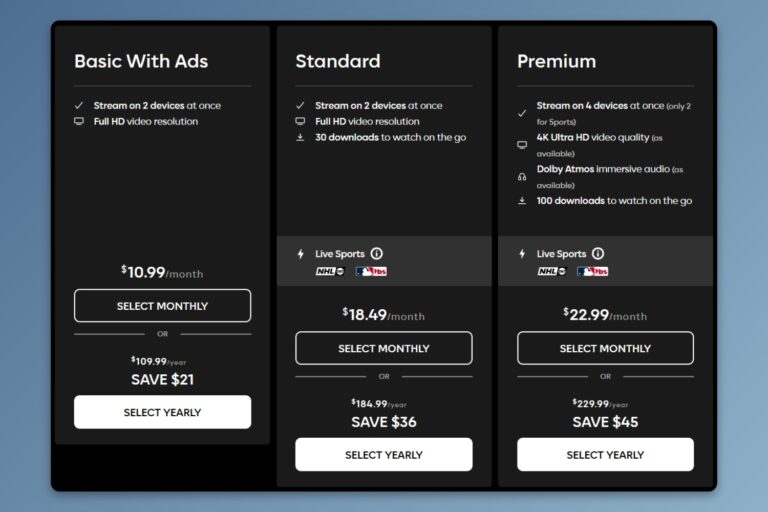
How ad-free streaming became so much less affordable
Hopefully it'll save me some money, even if it doesn't last.
-
I just cancelled Netflix and it feels great
Hopefully it'll save me some money, even if it doesn't last.
-
Peacock raises prices, but you can still get a deal
Never pay full price for Peacock year-round.
-
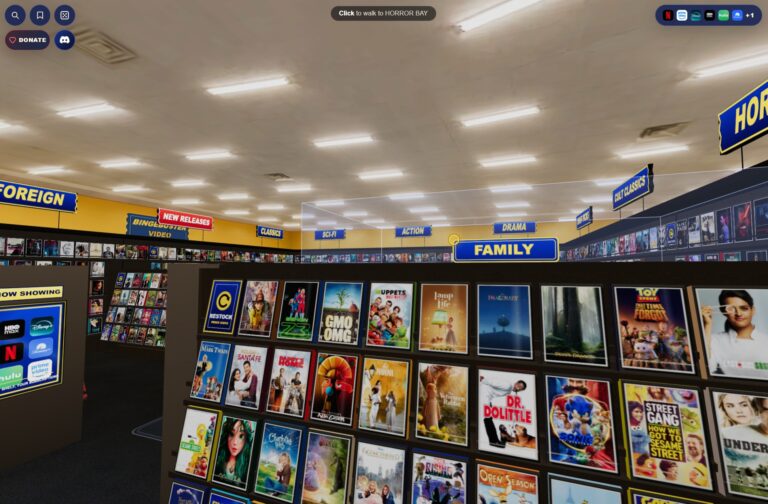
This digital Blockbuster clone is a beautiful nostalgia trip
BingeBuster is neat, though it also kind of misses the point.
-
NFL 2026-2027 streaming guide: It may be cheaper than you think
How watch football without paying for more than you need.
-
YouTube is eating TV, and Peacock is the next course
Bundling Peacock with YouTube Premium is another step toward subsuming traditional television.
-
Can’t stand Google TV? Make it look like Roku instead
Kyu Launcher is one of several ways to simplify your home screen and remove the annoying ads.
-
Netflix’s plot to become cable hits a wall
Earnings are up, but engagement is slowing down. What comes next could get messy.
-
I turned my Plex library into 24/7 streaming channels with this free app
With the arrival of NBC channels, the cost is increasing by $9 to $15 per month.








What’s this? A place for posts that might be too fleeting, esoteric, or off-topic for the weekly Advisorator newsletter. A little slice of the independent web. A work in progress. I’ll link to a lot of these posts in the newsletter, but you can also subscribe to the blog feed via RSS.
-
Kind of want to try setting up Obsidian in a Docker container for loading in a web browser, for no practical reason whatsoever
-
The Microsoft forums should be next https://sixcolors.com/link/2026/11/ding-dong-the-apple-support-community-is-dead/
-
It’s time we started asking the important questions, like: Why is Feedbin’s logo a burger?
-
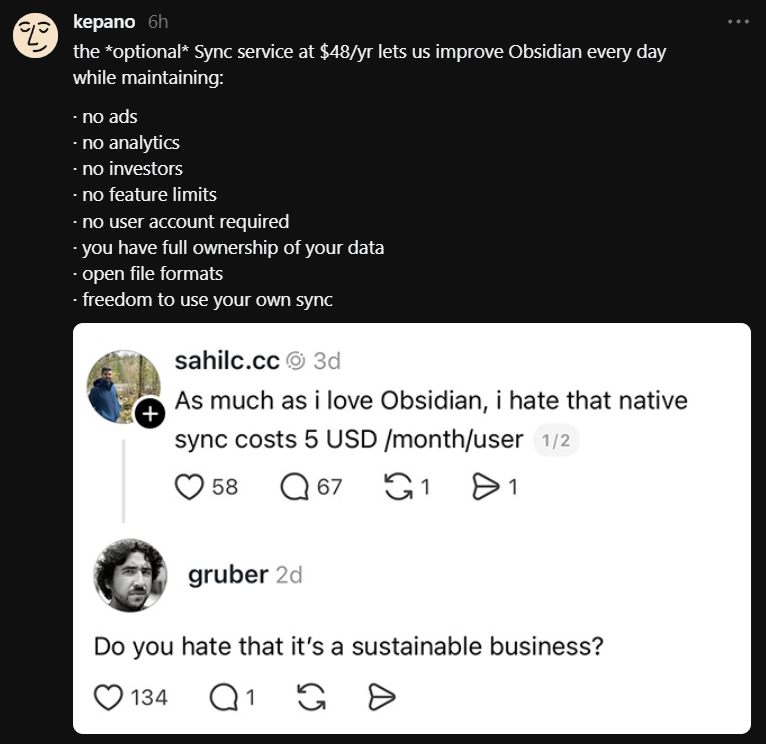
It’s also just a really good sync service that gracefully merges conflicts, maintains version history if things go south (which seldom happens), and works across practically any computing platform. All that and you’re still free to make routine backups elsewhere. I tried the roll-your-own sync thing and it’s not a good time. $5/mo to not worry about the most important part of my workflow is an easy decision.
-
Raycast iPhone keyboard setup
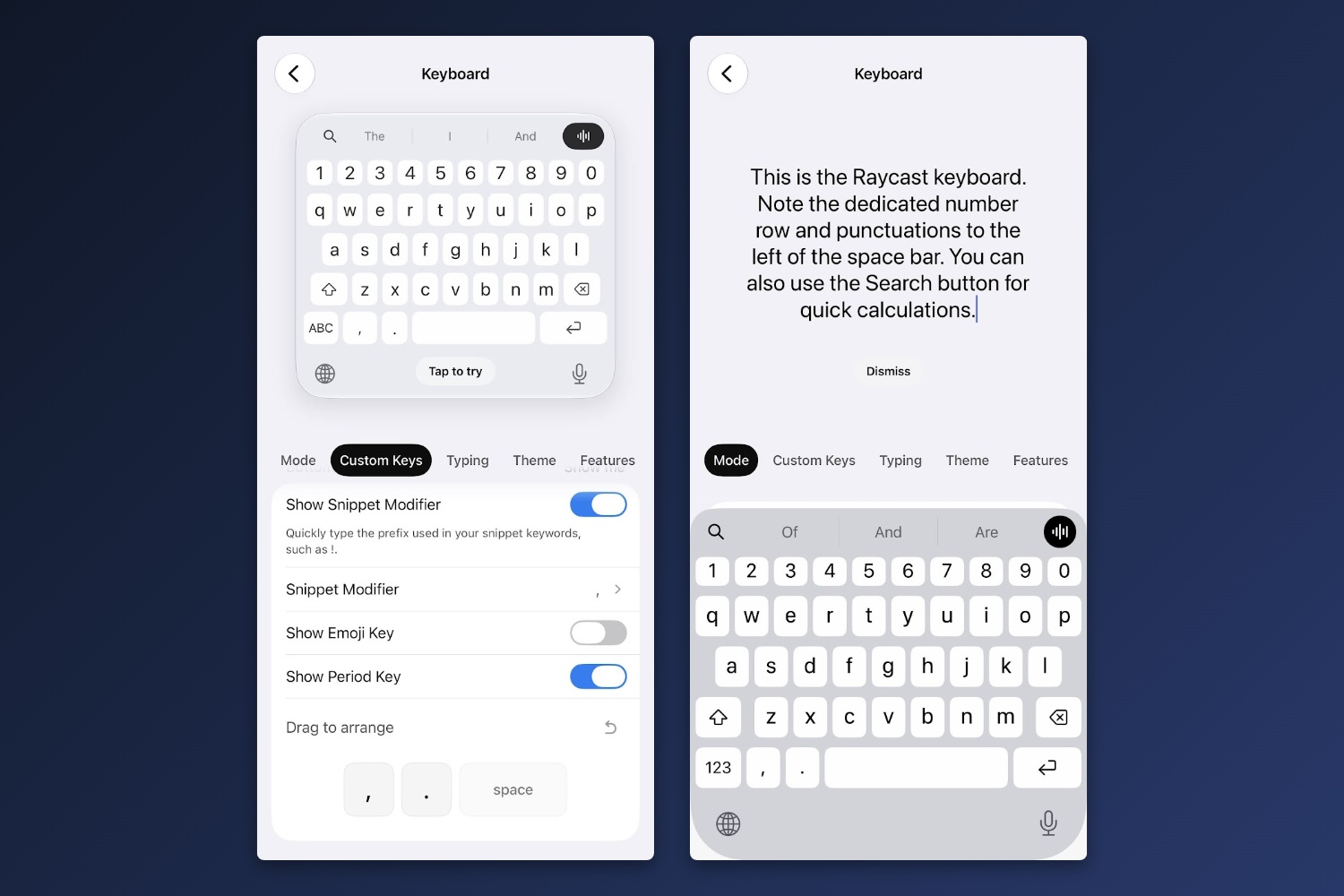
I've written at length about Raycast, whose Windows and Mac apps offer a suite of powerful keyboard-based commands. Now, the iPhone version includes a full keyboard as well, and among its many features is a dedicated row for numbers.
Not having a number row is my biggest pet peeve with the iPhone's built-in keyboard, so now I'm using Raycast instead. The Raycast keyboard has some other helpful features as well, like haptic feedback instead of audible taps and the ability to add a comma or apostrophe next to the keyboard.
By default, though, Raycast has a bunch of AI features and other gunk you may not want. Here's how I've set it up to get that stuff out of the way:
- Open the Raycast app and go to "Keyboard."
- Mode tab: Select "Primary."
- Custom Keys tab: Change Leading Button to "Search." Disable Dictation Button. Disable "Show Action Row." Change "Snippet Modifier" to a comma. Enable "Show Period Key." Drag the period to the left of the space bar.
- Typing tab: Enable "Dedicated Number Row." Change "Key Haptic Feedback" to Medium. Disable "Key Sound."
- Features tab: Enable "Show iOS Dictation Button."
To make sure you're always using the Raycast keyboard, head to Settings > General > Keyboard > Keyboards. Hit the edit button, drag Raycast to the top of the list, and consider deleting the standard keyboard. (I kept the one for Emoji.) You can always use "Add New Keyboard" to add it back.
The one actual Raycast feature I'm using is Snippets, which can turn short strings of characters into a longer ones. For instance, you can make a simple snippet that enters your email address when you type "@@" or a more involved one that fills out an entire email template. If you use Raycast on Windows or Mac, signing up for a one-week Pro trial in the iPhone lets you sync all your desktop snippets over. Just make sure to cancel afterwards if you don't actually need the subscription.
-
Giving a crap is a differentiator
This Mastodon post about a vibe-coded interactive history tool—which seemingly misunderstands a lot of history—illustrates how AI and vibe coding aren’t replacements for human expertise and attention to detail more generally. At most it’s a starting point.
Shamelessly self-promotional example: Over the summer I used AI to make a streaming calculator for my newsletter subscribers, where you put in the channels/services you want and it tells you the cheapest ways to get them.
I have seen versions of this where AI goes out and gets the data. They all suck, because the creators don’t really understand the space and so don’t know if the data is any good.
The real work is in understanding what every streaming service offers, what bundles exist, where they overlap, and so on.
For example: You can combine ESPN, Disney+, and Hulu at a discount. You can add NFL+ Premium for an additional discount. You can separately combine ESPN and Fox One for a discount. But you can’t combine all five services in one bundle. It’s ESPN and Fox, or ESPN and the other four. Any streaming plan you come up with then has to take these options into account.
Vibe coding a UI for this streaming calculator—something I always wanted to make for readers—took hours, but that was nothing compared to the time spent researching, paying careful attention to the details, and drawing on years of institutional knowledge. You have to know the space and you also have to give a crap about what you’re putting out. An AI scraper doesn’t necessarily do either.
-
Ahhh found the SNL one https://www.dailymotion.com/video/xl7e88
-
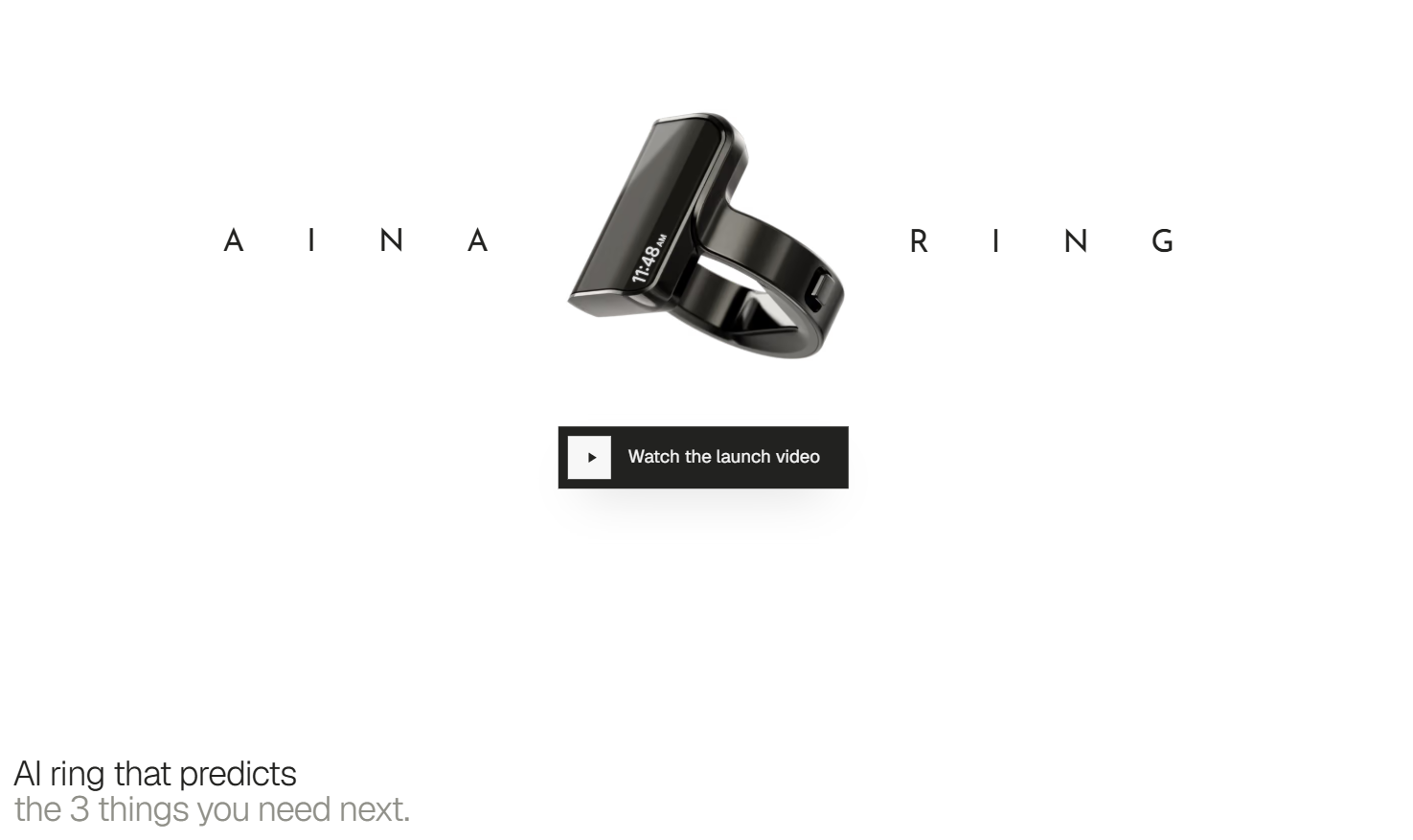
All these devices—this ring, Homeview, glasses—seem to think the problem is that we don’t have enough screens begging for our attention, when we already have too many.
“This one new screen will finally prevent you from looking at all your other screens” is tired. It doesn’t work like that.
-
Trying out “no paywall November” for Advisorator. Everything in the newsletter this month is free to read.
If nothing else it’s at least helping to get more Cord Cutter Weekly readers to check out my tech advice newsletter!
-
If you want to stare into the never-ending abyss of AI slop apps, AlternativeTo’s new releases page is a good way to do that – https://alternativeto.net/browse/new-apps/