
Worried that your smart TV is spying on you? Here’s what will help, and what won’t.
 Jared Newman |
It’s time for another round of panic about smart TV privacy, with LG taking its turn in the hot seat.
The impetus is a 135-minute video from Gamers Nexus, digging into the data that LG can collect from its users. The most shocking claim is that LG’s TVs can persistently listen to what you’re saying even when the power is off (albeit only if you plug in an external USB webcam), but the report also delves into the privacy ramifications of hands-free voice control and automatic content recognition. The video quickly went viral, drawing millions of views and prompting some alarming headlines. (“Disconnect your LG television from the internet, now,” for instance.)
While many of the core claims aren’t new or even unique to LG, I’m all for more folks realizing exactly what their TVs are up to. Even if they’re not constantly recording what you say or do, smart TVs can be privacy minefields, and it’s worth taking some steps to minimize what they can collect. Here’s how to do that:
Disable ACR
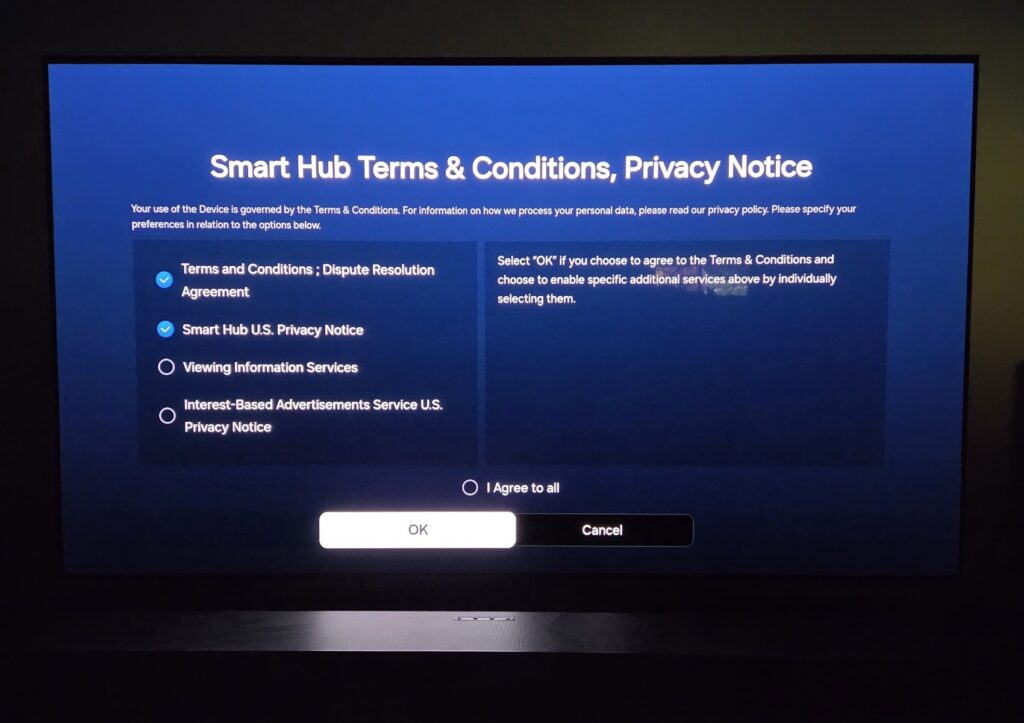
Automatic Content Recognition, or ACR, is a technology that smart TV makers use to monitor what you’re watching and monetize that data through targeted ads. ACR even collects viewing data from devices you connect over HDMI, such as game consoles and streaming dongles. If you don’t pay close attention during setup, it’s easy to end up with ACR enabled.
LG’s implementation of ACR is similar to that of other smart TV makers, though Gamers Nexus observed an LG TV connecting to its advertising endpoints even before the user accepts any usage agreements. ACR also appeared to run while the TV was offline for users who’d allowed it, possibly so LG could upload data later.
In any case, opting out of ACR is a good way to minimize what your smart TV collects. Here’s a useful list of how-to steps for most major TV platforms.
Look for a microphone kill switch
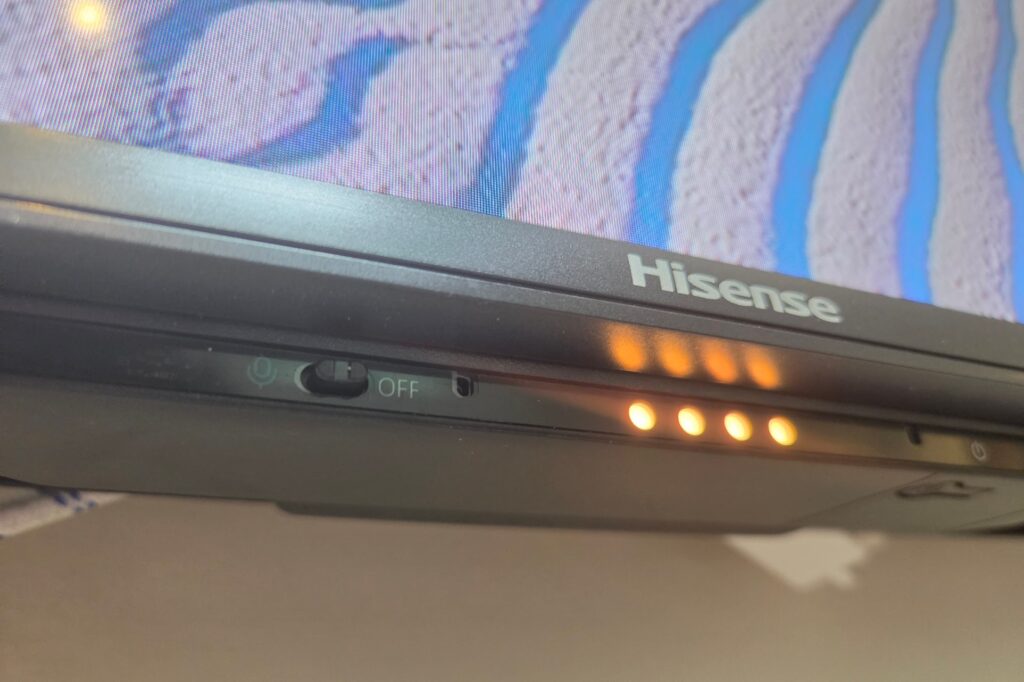
Like many other TV makers, LG includes microphones on some of its TVs for hands-free voice control. The TV does not record your voice until you utter a wake phrase (“Hi LG,” in this case), at which point it will transcribe the audio to understand your intent. Smart speakers such as Amazon’s Echo devices function in similar fashion. LG denies recording audio in any other context.
Still, Gamers Nexus found that LG’s microphones would continue capturing audio long after the user stops talking, even upwards of 10 seconds in some cases. The TV then stores transcriptions of those recordings in plain text, including things that other people say within earshot. Gamers Nexus was able to read a record of those transcripts by enabling root access to the TV.
Even if your TV isn’t constantly recording you, you might still want to turn the microphones off. If your TV has a built-in microphone for hands-free voice commands, try looking for a physical off switch on the side or bottom of the set. Digging through your TV’s settings may also reveal an option to disable the mic as well.
Don’t plug a camera into your TV
One of Gamers Nexus’ most eyebrow-raising claims is that LG TVs can persistently capture video and audio, even when the TV is off. The video acknowledges, however, that this requires an external microphone and camera plugged into the TV, such as the USB webcam that Gamers Nexus used for testing or the one from LG itself. Recording that output also requires root access to the TV, which is not enabled by default.
The finding does raise a practical concern: If an attacker has access to the TV—in a hotel room, for instance—they could potentially hide a connected camera to surreptitiously record their target. But for a TV at home, the easiest way to stop it from spying on you is to avoid connecting a camera in the first place.
Disconnect your TV from Wi-Fi and use it as a dumb TV instead
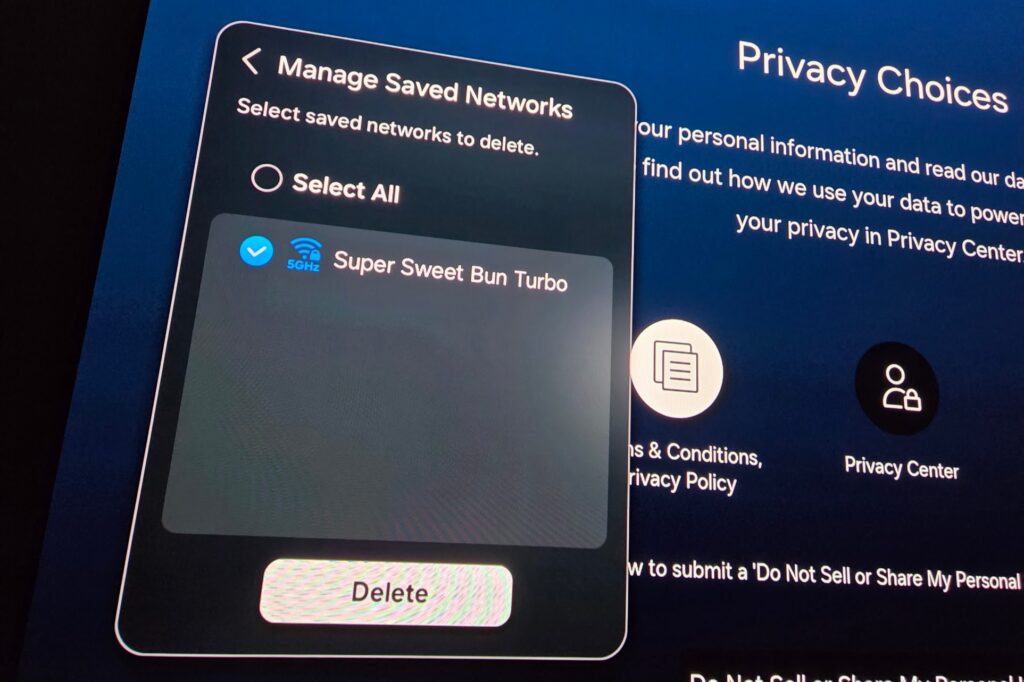
The most foolproof way to prevent your TV from uploading your personal data is to make sure it’s not connected to the internet. Then you can plug an external streaming device, such as a Roku or Fire TV stick, into one of the TV’s HDMI ports. These devices have their own Wi-Fi connections, separate from what’s built into the TV.
How you disconnect will depend on your TV, but you should avoid merely turning the TV’s Wi-Fi off, as it might turn back on again after a reboot. Instead, dig into the TV’s settings and find a way to delete or forget your network. Failing that, you can always factory reset the TV and skip the Wi-Fi connection process during setup. Some TVs even offer a more basic navigation mode for when Wi-Fi and smart TV features are disabled.
Understand that streaming devices have privacy issues, too.
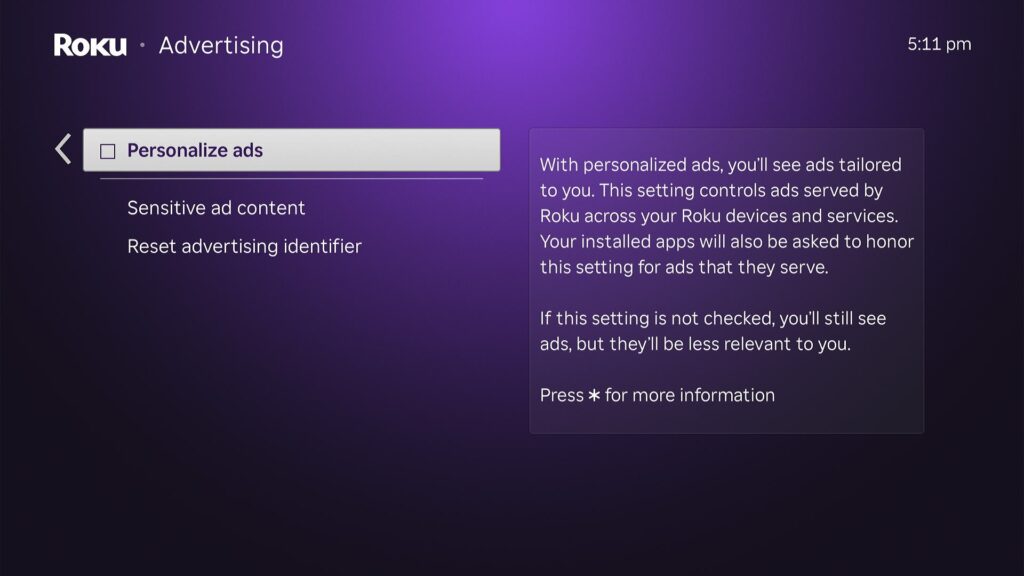
More broadly, streaming sticks and streaming boxes collect all kinds of data about how you use them. They know which apps you open and how you interact with the content on their home screens, letting them make inferences about what you’re into. Roku even collects information about the other devices on your Wi-Fi network (as laid out in its privacy policy), which is precisely what the Gamers Nexus video criticizes LG for doing.
Some folks suggest the Apple TV 4K as a more private alternative to the likes of Roku and Fire TV, and there’s some truth to that. The device’s menu system is free of targeted ads, and there’s a handy setting that limits apps’ ability to share data among themselves. (That’s under Settings > General > Privacy & Security > Tracking.)
You can also go full nerd and plug a PC into your TV instead, like I’m experimenting with this now. This would allow you, for instance, to set up an ad- and tracker-blocker like uBlock Origin in your browser and use offline voice dictation that doesn’t send voice recordings anywhere. You can even plug in a webcam without wondering if it’s recording without your knowledge.
But no matter which device you use, individual services such as Netflix and Hulu know what you’ve watched and can use that data for their own ad targeting purposes. Getting them not to sell your data is a whole other ordeal.
My point is not to make you give up on TV privacy, but to be realistic about what’s happening and what you can do about it. While it’s great that folks are learning what’s really going on inside their smart TV, disconnecting yours from the internet doesn’t magically solve streaming’s deeper privacy problems.
Sign up for Jared’s Cord Cutter Weekly newsletter for more streaming TV advice.