
Free up your phone’s storage

Easy ways to free up phone storage
Plus: Apple’s next updates, Google’s speech-to-text app, and searching without AI.
 Jared Newman |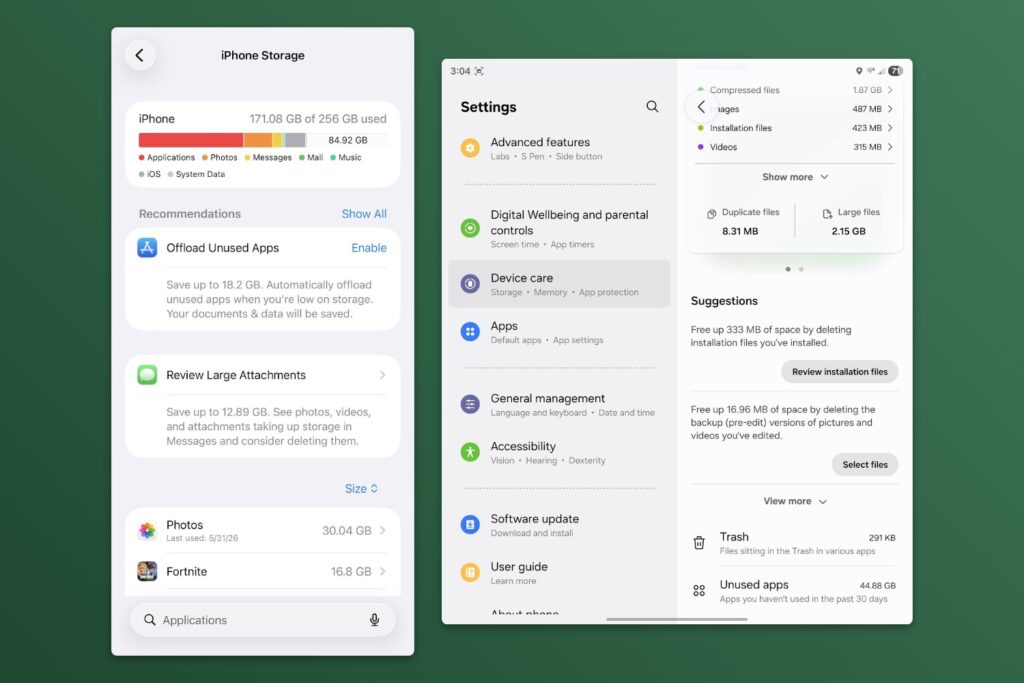
Hey there! I’m Jared Newman, a longtime tech journalist, and you’re reading the free edition of Advisorator, my weekly tech advice newsletter. Did someone share this newsletter with you? Sign up to get it every Tuesday.
Whenever I’m buying a new phone, I usually opt for the least amount of storage.
Storage upgrades are expensive—and may only get worse thanks to AI-induced memory shortages—so it pays to get away with less. By looking more closely at what’s piling up on your phone, you can avoid unnecessary storage upgrades and possibly save hundreds on new hardware.
Last week’s guide to reclaiming Mac and PC storage space was well-received, and several of you expressed interest in a similar guide for smartphones, so let’s roll with it. Over at the Advisorator website, you’ll find a guide to freeing up space on both iPhones and Android phones.
Get your smartphone storage space back →
This guide is exclusively for Advisorator members. Sign up for $5 per month or $50 per year to get more in-depth advice each week, including guides and feature stories not included in the free edition. Learn more here.
News in brief
Apple’s next updates: A handful of things stood out from Apple’s WWDC announcements on Monday:
- Apple’s really focusing on performance improvements for older devices, with faster app launches, photo load times, and file transfers.
- Siri is getting an AI overhaul. It will be more conversational and will work with information on your screen, for instance to add details from an online event listing to your calendar. You’ll also be able to review past conversations through a dedicated Siri app. (Under the hood, it’s running on Google’s AI models.)
- One especially notable AI feature: Apple Passwords will be able to automatically replace your weak passwords, with iOS 27 navigating through websites on your behalf to set stronger passwords instead.
- Parental controls are getting more granular, and Apple says it’ll do a better job helping parents set things up in the first place.
- MacOS 27 Golden Gate will be the first new release that doesn’t support Intel processors.
As usual, the updates to iOS 27, MacOS Golden Gate 27, and so on will arrive sometime in the fall. We’ll do plenty of digging in once the new features are actually available.
Nvidia’s PC chips: Nvidia is moving beyond graphics cards with its RTX Spark chips for laptops and desktops. The goal is to compete not just with Intel, AMD, and Qualcomm, but with Apple on high-end laptops for gaming, creative work, and on-device AI. A slew of Spark-powered laptops are on the way from the likes of Dell, HP, Lenovo, Asus, MSI, and Microsoft (with its forthcoming Surface Laptop Ultra).
A lot of questions remain unanswered, including particulars on performance, battery life, and cost, though you should expect the first wave of laptops to be wildly expensive at the outset. We’ll find out more later this year.
Other notable news and reads:
- Dell’s MacBook Neo alternative looks promising, but even PCWorld worries that Windows might hold it back.
- Also from PCWorld: The laptop market is splitting into low-budget and ultra-expensive, with not enough in between.
- Google’s forthcoming Spark AI assistant seems impressive, but it needs to know everything about you (gift link).
- Dashlane reports a brute force attack on users’ accounts, but the damage appears minimal.
Tip of the week
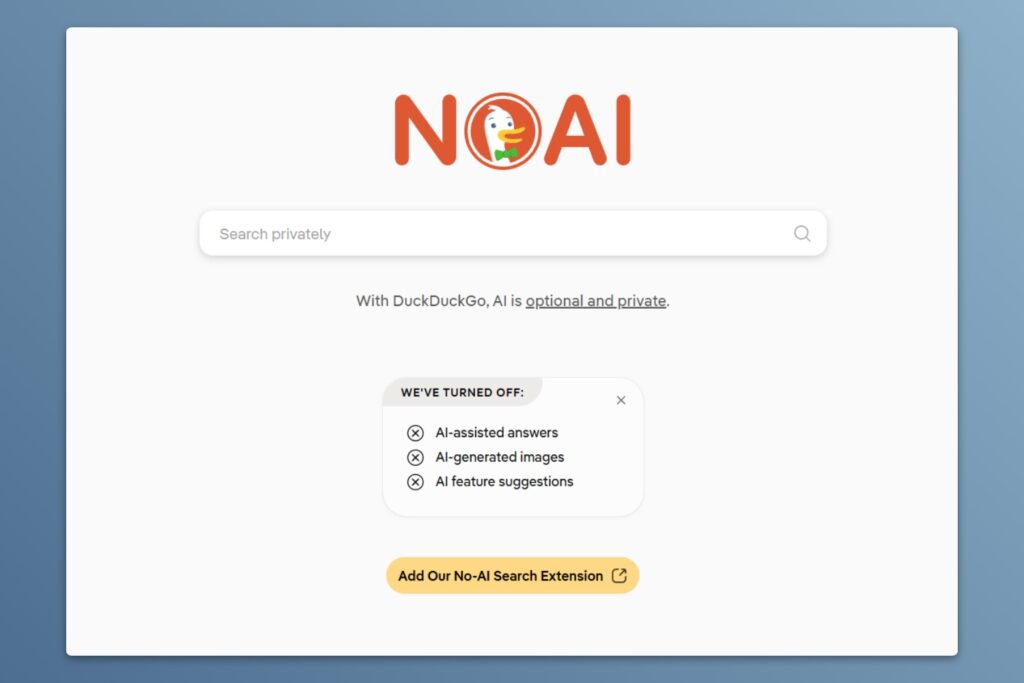
Search without AI: DuckDuckGo is leaning into the idea that some folks just don’t want AI summaries atop their search results. While the privacy-centric search engine offers its own AI features, it also offers a few optional ways to turn them off:
- Head to DuckDuckGo’s AI settings page to disable AI-generated answers and images.
- Use DuckDuckGo’s “No-AI” landing page, which disables those features by default.
- Install DuckDuckGo’s “No-AI” extension for Chrome or Firefox. This will set DuckDuckGo as your default search engine with AI features disabled.
DuckDuckGo isn’t alone in letting you turn off AI answers, though:
- Google lets you add “-ai” to the end of your search to omit AI overviews. You can also set up Google to show you its AI-free “Web” results tab by default.
- Brave Search’s Settings page has an “Answer with AI” toggle that you can turn off.
- Kagi only triggers AI answers when you add a question mark to your query. I like this opt-in approach, but you can also disable AI answers entirely.
AI search answers are appealing because they remove the friction from looking up information online, but you often have to interrogate them to make sure that information is accurate. Turning those answers off makes it easier to head straight to the sources that AI is trying to cite.
Try this app
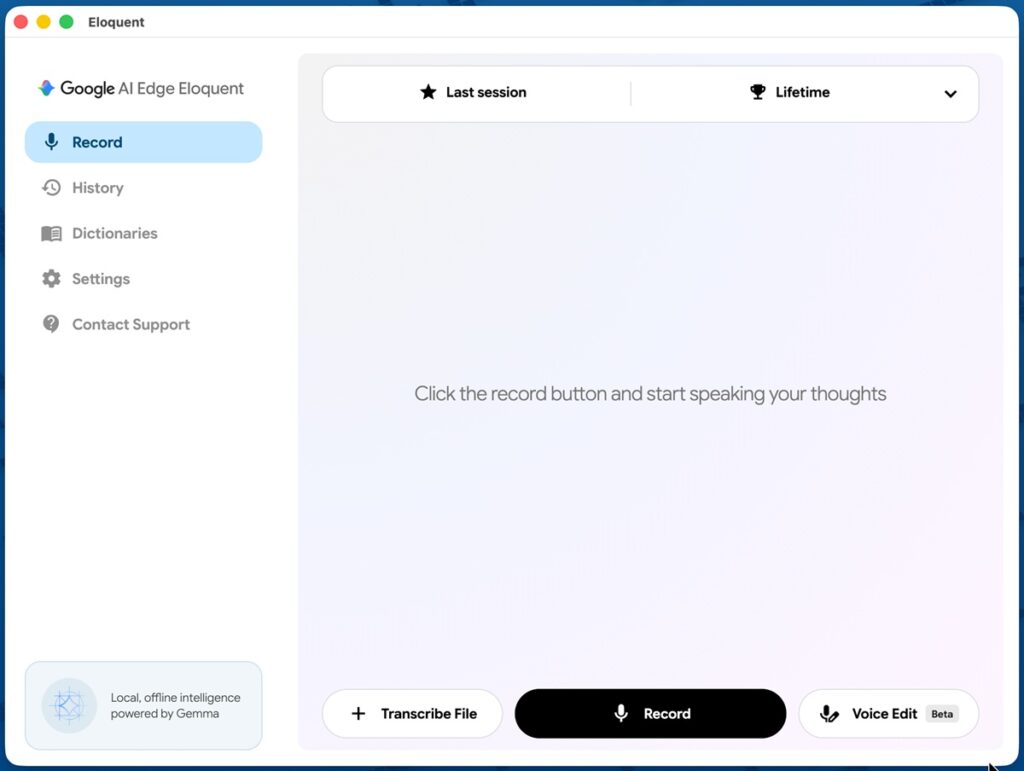
Google’s free dictation app: Google has released a new Mac app called Eloquent for offline speech-to-text dictation. Hold the designated dictation key on your keyboard—right Cmd by default—and you can voice-type into the text field of any app. It uses on-device AI models to clean up and format your speech, with no subscriptions or usage limits. (That’s a key distinction from other apps like Wispr Flow and Superwhisper, though those options at least support Windows as well.)
There’s also an iPhone version which lets you copy and paste the text into other apps. Both are meant to show off Google’s local AI models, which your data is processed on-device instead of online.
Spend wisely
This section of the newsletter may include affiliate links, which earn me a commission if you wind up purchasing something.
Not a ton of notable deals out there this morning, but I’ve spotted a handful of good ones:
- Cheap Walmart Onn 20W USB-C chargers: $4 for one, $7.50 for two, $11.25 for three.
- Energizer 3-in-1 charger (magnetic iPhone, Apple Watch, earbuds) for $20, or $17 open-box.
- Anker 24,000 mAh power bank with 65W charging (45W via a single output) for $35.
- Linkind smart plug with Alexa, Google Home, Apple Home, and Matter support for $6 with promo code NSD3RZFX.
- Apple Watch Series 11: Save $100 on various models.
- Asus Zenbook A14 (14-inch 1920×1200 OLED, Snapdragon X2 Elite chip, 16 GB RAM, 512 GB storage) for $852 open-box. Here’s a review.
Thanks for reading!
If you enjoy this newsletter and want to contribute to its ongoing viability, please consider becoming a paying member. You’ll get in-depth guides like my new one on freeing up phone storage, plus weekly feature columns, online archives, and access to my Tech Buds forum.
Until next week,
Jared
Did someone share this newsletter with you? Sign up to get it every Tuesday.