
Switching from Google Search

How to switch search engines (and why you should)
Plus: Apple’s cheapest laptop, turning your phone into a computer, and timelapse video tools
 Jared Newman |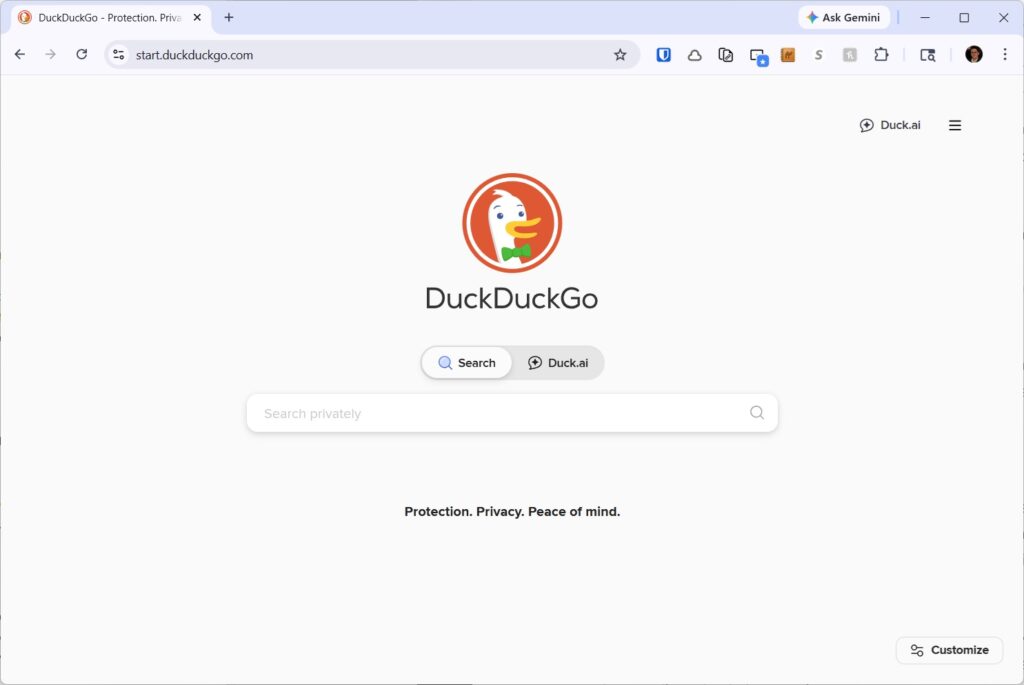
Hey there! I’m Jared Newman, a longtime tech journalist, and you’re reading the free edition of Advisorator, my weekly tech advice newsletter. Did someone share this newsletter with you? Sign up to get it every Tuesday.
Over at the Advisorator site, I’ve just posted an in-depth guide to switching search engines.
Between privacy-preserving alternatives such as DuckDuckGo and AI assistants such as ChatGPT, there’s never been a better time to try switching from Google as your main way to search for things. Even so, Google spends billions of dollars every year to make switching inconvenient on your devices and in your web browsers, knowing most folks will never change from the default.
But you don’t have to be one of those people. This guide will teach you which Google Search alternatives to consider and—more importantly—how make them the default on all of your devices despite Google’s best efforts.
Read the full guide to switching search engines →
My guide to switching search engines is exclusively for Advisorator’s paying members. You can pay as little as $5 for a monthly subscription to read it, plus you’ll get my full weekly newsletter and all the other guides I’ve written. Thanks for your support!
News in brief
MacBook Neo: Apple’s added a much cheaper laptop to its lineup with the $599 MacBook Neo. It’s $500 less than the M5 MacBook Air, but comes with some notable trade-offs: Slower A-series processor, half the RAM (8 GB) and base storage (256 GB), a less vivid screen, worse speakers, and no Thunderbolt ports. (Here’s a full list of compromises.)
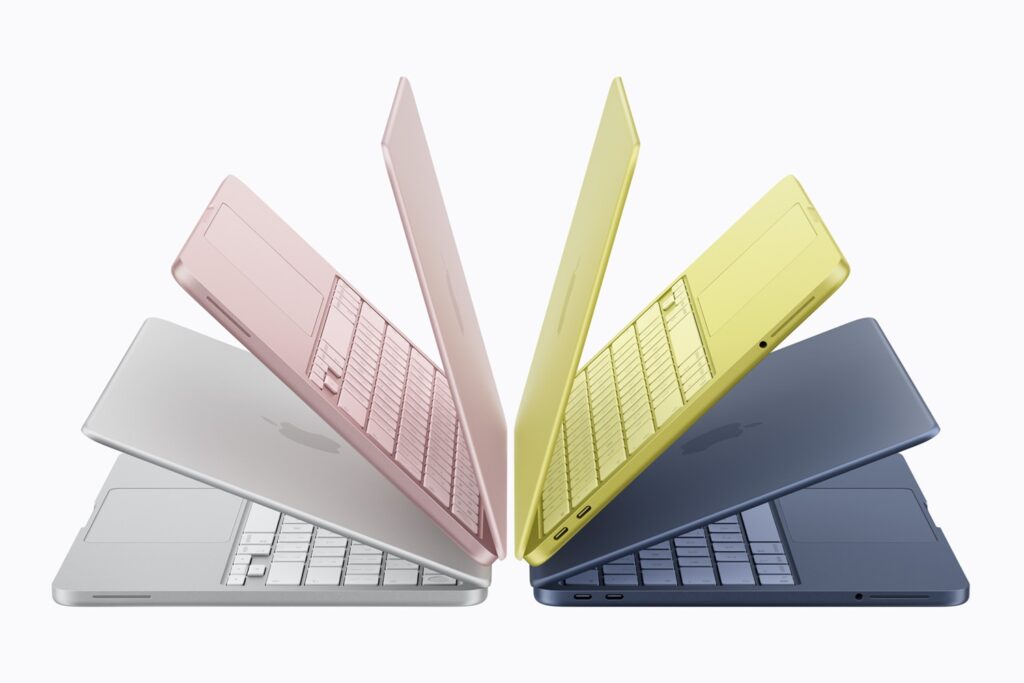
What really bugs me is that you have to spend $100 more for the 512 GB model to get TouchID, otherwise you’ll be logging in with a PIN and typing a password for every App Store download. Security should come standard for a company that loves to boast about it.
Even so, I could see the MacBook Neo taking a sizable chunk out of the sub-$600 Windows PC and Chromebook market, with slicker hardware than a lot of the clunkers in this price range. For Apple, it at least makes more sense than convincing everyone to use an iPad as a laptop instead.
More and less expensive MacBooks: Meanwhile, Apple’s new M5 MacBook Air and M5 Pro MacBook Pros are $100 pricier than their M4 predecessors, though they do include twice the base storage at 512 GB. The good news is that MacBook Pro configurations with more storage now cost $100 to $200 less.
We’ll see if the RAM shortage has any impact, but if you’re thinking of an upgrade, my advice is still to avoid the Apple Store and wait for price drops from third-party retailers. It usually doesn’t take long.
Notable news and reads:
- The Google Play Store will soon warn about apps that might drain your battery.
- Workers who delegate everything to AI are winding up with more mental fatigue.
- OpenAI says its latest ChatGPT update isn’t as cringey or judgmental.
- The M4 iPad Air is such a small upgrade that Apple could barely bother to update its website.
- Nothing’s latest mid-range phone looks more like other phones.
- Andreas at 82MHz tests iPad Classic battery life vs. a modern smartphone. (From the Advisorator archives: How to turn an old phone into an iPod.)
Tip(s) of the week
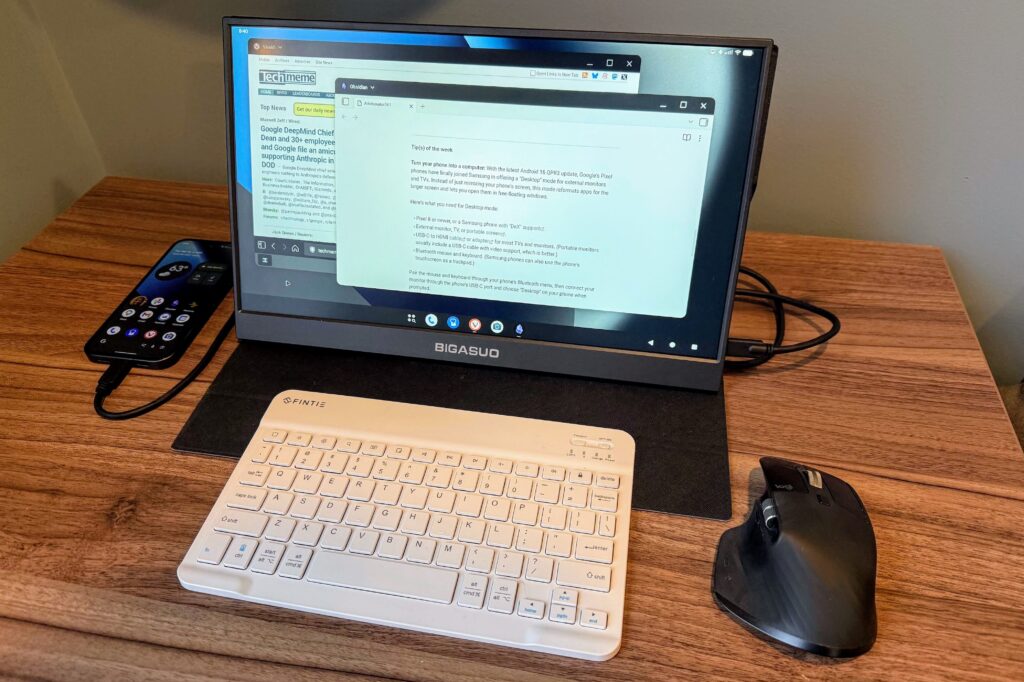
Turn your phone into a computer: With the latest Android 16 QPR3 update, Google’s Pixel phones have finally joined Samsung in offering a “Desktop” mode for external monitors and TVs. Instead of just mirroring your phone’s screen, this mode reformats apps for the larger display and lets you open them in free-floating windows.
Here’s what you need for Desktop mode:
- Pixel 8 or newer, or a Samsung phone with “DeX” support.
- External monitor, TV, or portable screen.
- USB-C to HDMI cable or adapter for most TVs and monitors. (Portable monitors usually include a USB-C cable with video support, which is better.)
- Bluetooth mouse and keyboard. (Samsung phones can also use the phone’s touchscreen as a trackpad.)
Pair the mouse and keyboard through your phone’s Bluetooth menu, then connect your monitor through the phone’s USB-C port and choose “Desktop” on your phone when prompted.
More Pixel phone tricks: Pixel users can finally remove the “At a Glance” widget, which puts weather and calendar events atop the home screen. Long-press the widget and select “Settings,” then disable “Use at a Glance.” (Or, scroll down for some new info to include in the widget, including sports scores commute details, and stock prices.) This story lists some more features to check out.
Change what people see when you call them: Okay, one more new Android feature. If you use Google’s Phone app, you can now choose an image that pops up when you call a a fellow Google Phone app user. Just open the app and head to Settings > Calling Card, or see this explainer from JR Raphael for more details.
This is just like the Contact Poster feature on iPhones, but for Android-to-Android calls. Now we just need Apple and Google to stop being petty and make this work across ecosystems.
Try this app
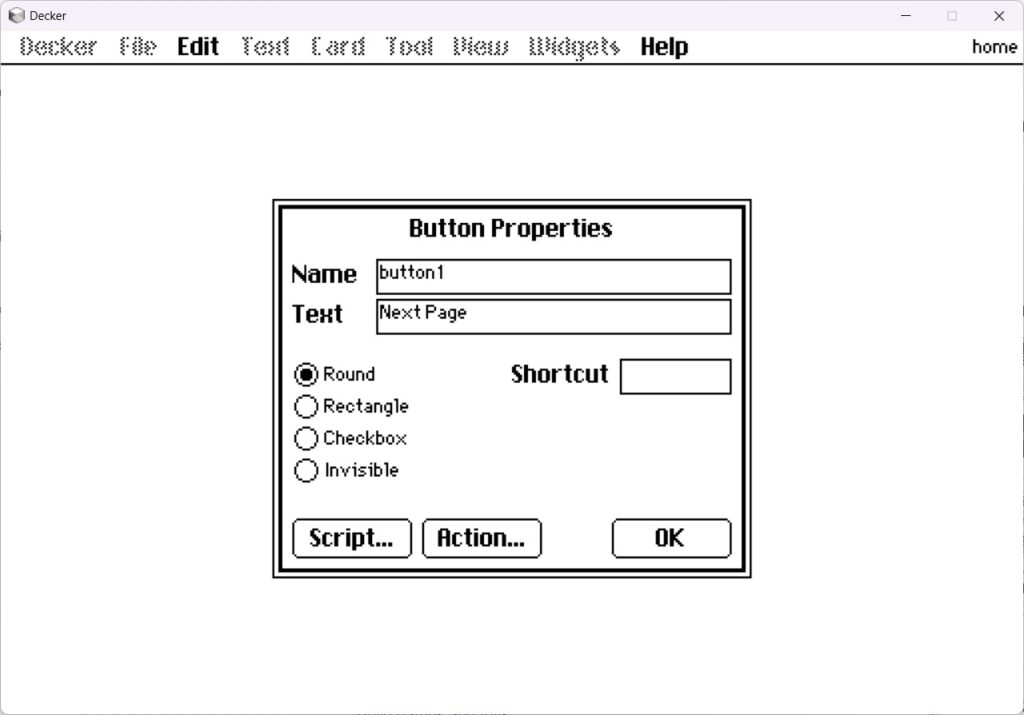
Retro presentation tool: Over at JR’s Cool Tools newsletter, I wrote about a nifty app called Decker, which is like a spiritual successor to Apple’s HyperCard app from the turn of the century. It’s a delightfully retro way to make presentations, choose-your-own adventure games, and more. Download here, try it in your browser, or read my Cool Tools piece for more on what’s possible.
Daily photo timelapse videos: Flashback is a free iPhone app for taking a photo of something every day—a plant, a beard, your increasingly-chiseled abs, whatever—and then turning it into a video that animates the change over time. You can add grid bars after taking the first photo to help line up future ones, or use the overlay button in the camera view to see how your last picture lined up.
I have not found a completely-free equivalent for Android, but Daily Selfie serves a similar purpose. The free version limits you to 720p video and adds a watermark, which you can always crop out later.
Spend wisely
Hey folks, as I mentioned earlier, I’m starting to include affiliate links in this one section of the newsletter. These can earn me a commission if you wind up purchasing something. You can read more about my rationale here.
It’s the last day to get pre-order deals on Samsung’s Galaxy S26 phones. Most notably, Amazon is offering $100 gift cards and free storage upgrades with the unlocked S26 and S26+, or $200 gift cards and storage upgrades with the S26 Ultra. That said, Samsung’s website is offering better trade-in values on the S26, S26+, and S6 Ultra, plus a $30 pre-order credit.
Unlocked phones are worth considering if you have an inexpensive wireless plan. AT&T, Verizon, and T-Mobile have better phone deals in exchange for multi-year commitments, but you’ll likely pay more for service in the long run.
Other notable deals:
- Sadly, $40 for a 512 GB MicroSD card is a pretty good price these days with ongoing memory shortages.
- First-gen AirTags are back to $17 apiece on Amazon.
- Google’s Pixel Watch 3 drops to $170 (black, 41mm), or $129 open-box. (Also $170 for gold and silver from Amazon.)
- If you can’t wait to buy the MacBook Neo, Best Buy’s throwing in a $25 gift card with pre-orders.
- Amazon clears out the 13-inch M3 iPad Air at $649 (saves $150).
- Amazon has $50 DoorDash physical gift cards for $40.
Think about an Advisorator membership!
Become a paying member to get the full newsletter every week, plus helpful guides like my new one on switching from Google Search. You’ll also get access to my friendly Tech Buds forum, where I’m regularly answering readers’ questions. Hit the button below for more details.
Thanks for reading! Catch you next week.
Until then,
Jared
Did someone share this newsletter with you? Sign up to get it every Tuesday.