
Advisorator Free: Reclaim closed tabs

Tip of the moment: Reclaim closed browser tabs

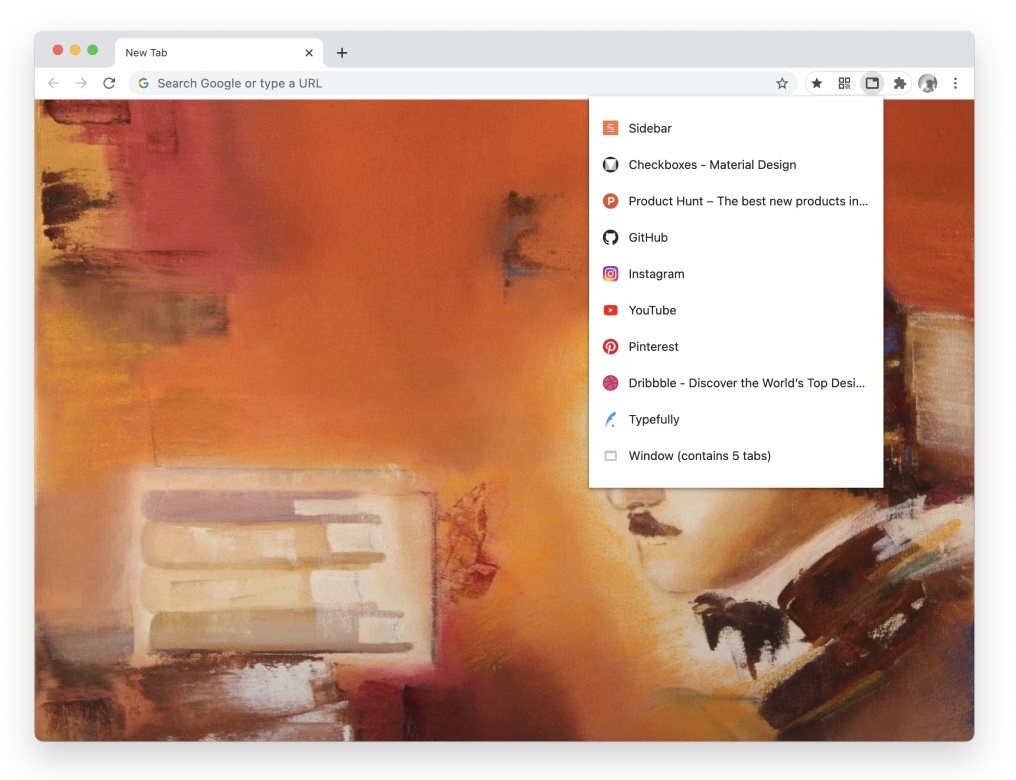
You know the moment of panic that strikes when you close a browser tab by accident? It doesn’t have to happen. Just take a deep breath, relax, and use one of the below methods to bring those tabs back:
- The basic undo: Right-click on the tab row select “Reopen Close Tab,” or press Ctrl+Shift+T (or Cmd+Shift+T on a Mac). A timeless classic that works in any browser.
- The full window undo: Same trick as above, but it works after you’ve closed an entire window full of tabs. If it’s the last browser window you had open, you can just open a new window and hit Ctrl+Shift+T to bring old one back.
- The recently-closed list: In Chrome, click the menu button and scroll over History for a list of tabs you’ve closed recently. A similar menu also exists in Firefox. In Edge, press Ctrl+H and select “Recently Closed.”
- The extension option: For even easier access to recently-closed tabs, check out Tabbie for Chrome and Edge, Or Undo Closed Tabs Button for Firefox. These extensions add a button to your browser toolbar, showing the tabs you’ve closed in a pop-up. You can also customize how many tabs appear, and Tabbie even shows how many minutes ago you closed each one.
The latest from PCWorld
If you’ve ever bought something and immediately wondered why you didn’t do it sooner, then you now know exactly how I feel about lap desks.
By propping your laptop up on an inclined surface, the lap desk helps bring the screen closer to eye level, so you don’t strain your neck when you’re lounging on the couch. The flat surface also helps keep the laptop well-ventilated, so your can push the laptop to its limits without melting your thighs.
I first wrote about lap desks—and how to pick the right one—for paid Advisorator subscribers last year. Now you can read a version of that column over at PCWorld.
Spend wisely
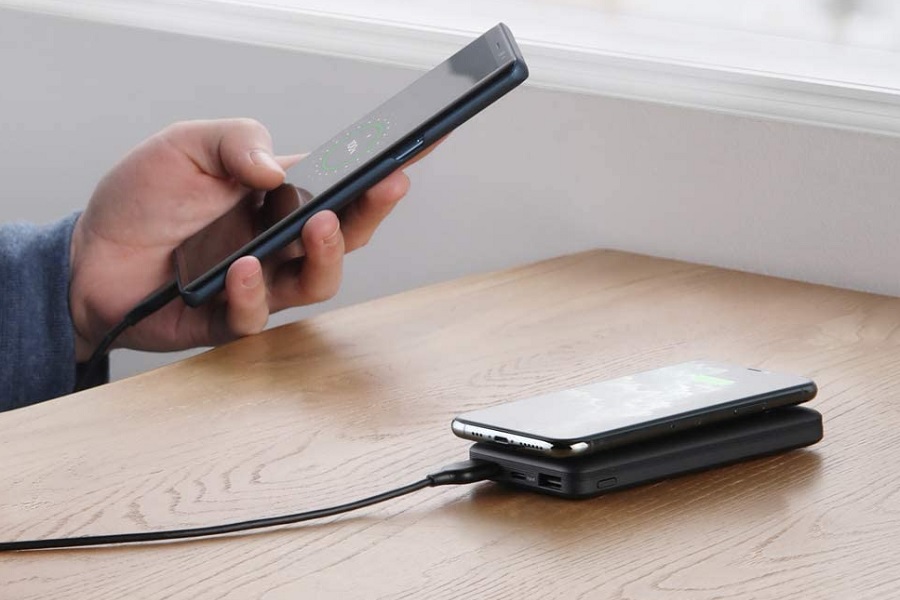
This appears to be a great day for deals on charging-related accessories. If you’re in need of a portable power bank, this 30,000 mAh battery from a brand called ROMOSS is on sale for $23 when you clip the on-page coupon. You can also grab Anker’s PowerCore battery with built-in wireless charging for $22 with the code ANKER1615011 at checkout. While its 10,000 battery is much smaller than the ROMOSS pack, it’ll spare you from carrying a cable around if your phone supports wireless charging.
Thanks for reading!
As a reminder, you’re reading the free version of Advisorator, which I’m currently sending out every two weeks. Below, some highlights from the paid newsletter, which goes out every Tuesday morning:
- Making sense of high-end music streaming options from Apple, Amazon, and others.
- The end of unlimited Google Photos (and why I still can’t quit it)
- My new favorite ambient noise app for Android
- A neat way to measure your day on Mac and Windows
- Perspective on the latest tech news
- Even more great deals on charging accessories
In addition to the weekly newsletter, members get additional deal alert emails to help save money on the latest gadgets, personalized advice from yours truly, and an online archive of every previous Advisorator newsletter. Sign up for a four-week free trial, and I’ll send the latest issues your way!
Until next time,
Jared