|
Plus: Hiding info from Google and fixing autocorrect annoyances Plus: Hiding info from Google, fixing autocorrect annoyances, and ambient noise for Windows |
For this week's feature topic, I'm trying something a little different. |
Longtime readers may recall that I once wrote a newsletter on diagnosing your Wi-Fi problems. While my advice has largely held up over the past couple of years, technology never stands still, and so I thought it was time to bring that story up to date. |
Over at the Advisorator website, you'll now find an updated and expanded guide to dealing with Wi-Fi issues. In addition to all the steps I'd personally take to fix a friend or family member's Wi-Fi network, it also includes a glossary of Wi-Fi terms, which should come in handy if you need a new router but are struggling with the jargon. |
The Wi-Fi guide is currently unlocked for everyone, so you can skip the usual sign-in page and even share the article with friends if you like. (I plan to move it behind the paywall in a couple of weeks, at which point you'll have to sign into the membership site as usual.) |
My plan is to publish more guides like these in the weeks and months ahead, so bookmark the hub page or stay tuned for more announcements in this newsletter. And if you have any suggestions on future guide topics, or questions on anything I've written, just let me know. |
Hide info from Google: If you've ever looked up your name on Google, you might be dismayed at how easy it is to find corresponding personal information, such as your phone number, physical address, or email address. Fortunately, the company now says it will hide this information from search results upon request. |
The process isn't exactly easy, though. You're still responsible for finding the offending sites yourself, and you must provide links and screenshots, along with the Google search terms and results pages that lead to your personal information. Google also won't de-list pages if deems that they're in the public interest or if they come from the government. |
Note also that Google can't remove personal information from the underlying pages—there's an equally arduous process for that on people search sites like WhitePages and Spokeo—but it can at least stop surface-level snooping, and it provides some recourse against sites that won't cooperate. |
Apple's self-repair program: After announcing plans to sell repair parts and tools directly to customers last fall, Apple has followed through. Visit the self-service repair store, and you can buy batteries, screens, SIM card trays and more for the past two generations of iPhones. You can also buy or rent the requisite tools for prying the phone open. Parts and tools for Macs are coming later this year. |
This isn't any cheaper than getting a repair from Apple. As iFixit notes, Replacing an iPhone 12 display costs $279 at an Apple Store, versus $285 with DIY parts and tool rentals, and that's after you send your broken screen back to Apple for credit. Still, it's a step in right direction for a company that's long discouraged independent repair, even if it's in response to growing regulatory pressure. |
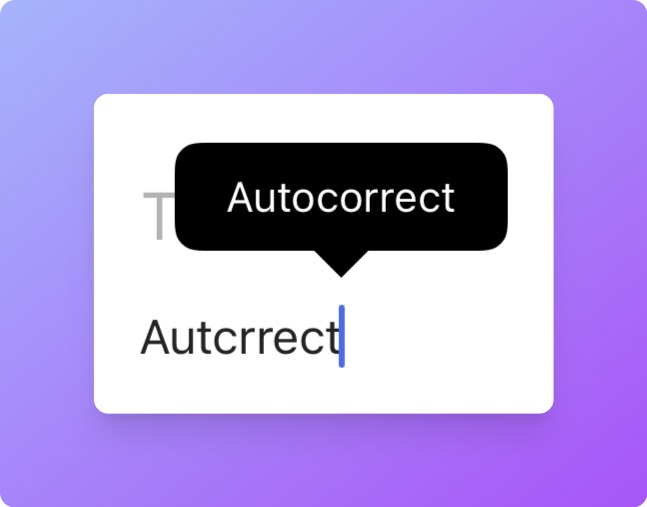
Fixing autocorrect annoyances: Over at the Wall Street Journal, Joanna Stern has a great story about why autocorrect often fails. (Here's a non-paywalled version.) Using the iPhone as an example, Stern notes that Apple's built-in dictionary is often in conflict with the "dynamic" rules iOS builds around your typing habits. Apple also recently switched to an offline word prediction algorithm for privacy purposes, and it's still struggling with things like "well" vs. "we'll." |
If you've vexed by autocorrect yourself, Stern has a few pointers: |
-
Add your own rules: On the iPhone, head to Settings → General → Keyboard → Text Replacement. Or on Google's Android keyboard, hit ⚙ above the keyboard and head to Dictionary → Personal dictionary → English (US). Add the same word to both the shortcut and phrase fields to prevent it from being auto-corrected.
-
Lean on contacts: The default iPhone and Android keyboards shouldn't auto-correct any names from your contact list, so keep it up to date to make sure proper nouns are recognized.
-
Try another keyboard: Google's Gboard is a fine option for iOS and Android, and Microsoft's SwiftKey is worth trying as well.
|
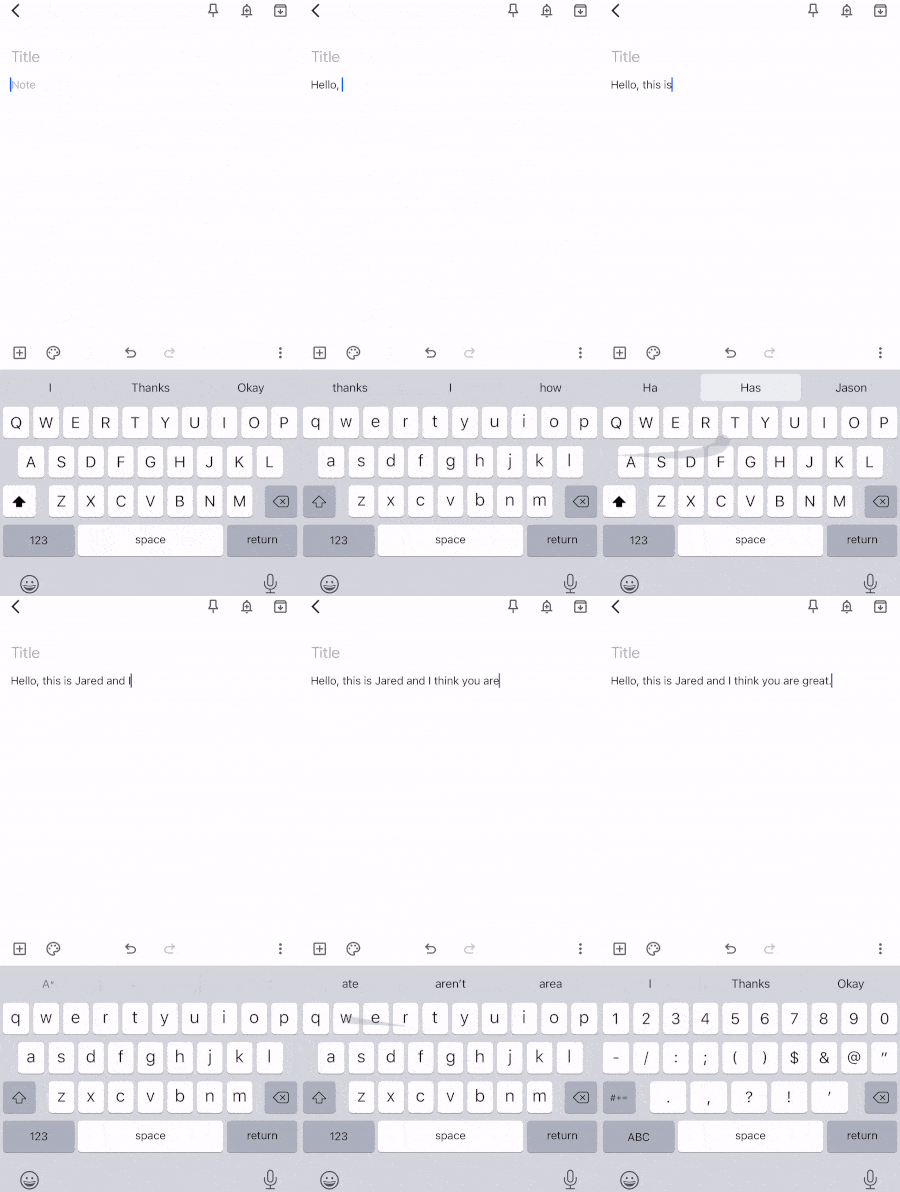
But this is also my chance to make an alternative suggestion, one I've long depended on to avoid autocorrect annoyances: Learn to gesture type. By dragging your finger over each letter in a word, your phone will automatically guess what you meant, often with startling accuracy. |
Gesture typing does take a bit of practice—I suggest sticking with it for at least a week or two—but once you're used to it, you'll be free to turn off autocorrect entirely. I switch to regular typing for proper nouns, addresses, and anything else that might trip up the keyboard's word prediction algorithms, and use gesture typing for everything else. |
One last tip: If you're still having serious auto-correct problems, you can always declare dictionary bankruptcy: |
- On iOS, head to Settings → General → Transfer or Reset, then press "Reset" and select "Reset Keyboard Dictionary." (Just be careful not to hit any of the other reset options in this menu by accident.)
- On Gboard for Android, tap the ⚙ above the keyboard, tap Advanced, then select "Delete learned words and data."
|
Bitwarden's username generator: If you're using Bitwarden for password management, as I am, you can now generate random usernames in addition to passwords when signing up for new services online. Just look for the Username option in Bitwarden's "Generator" section, or click the Generate icon in the Username field when creating a new login. |
Since most websites require an email address for your username, Bitwarden can append a plus sign and a random string of characters to your email (for instance, "janedoe+nxetzmqp@gmail.com"). Messages will still show up at your regular email address, but you can use filtering rules in Gmail or other email services to block unwanted messages that have the random characters in the "From" field. |
I'd prefer if Bitwarden instead integrated with a true masked email solution—the way that 1Password does with Fastmail—and would even consider paying for such a service. Still, this is a nice quick-and-dirty substitute if you'd rather not deal with external masked email services, such as Abine Blur or Anonaddy. |
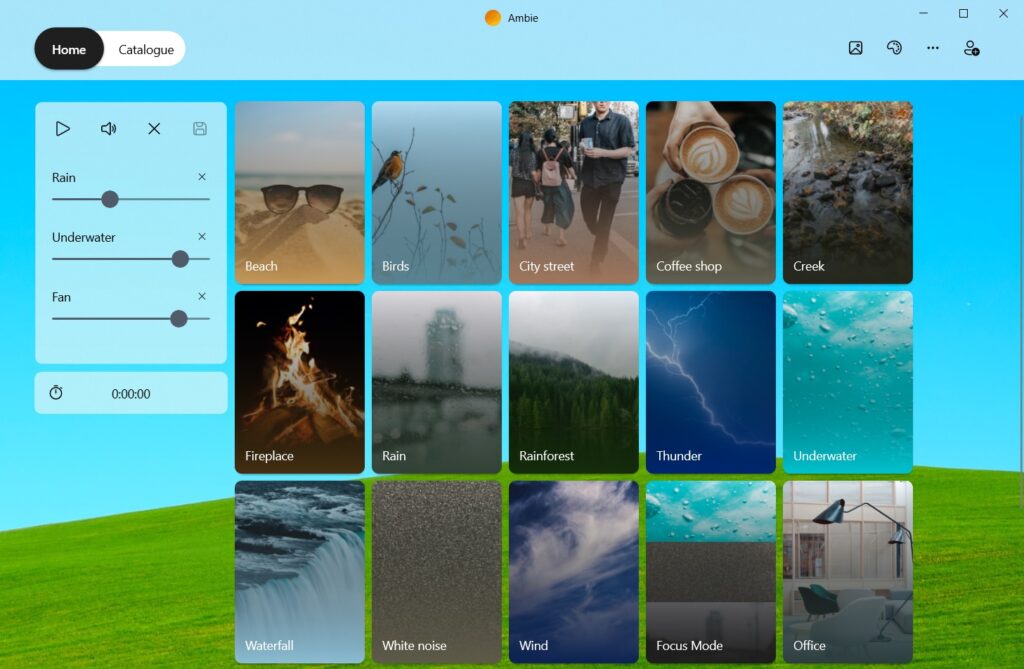
Ambient noise for Windows: Although I've written plenty about ambient noise apps for the web (MyNoise, Noizer), iOS and MacOS (Dark Noise, Fan of Sleep), and Android (Atmosphere), only last week did I set out to find a native option for Windows. |
Ambie is just the app I've been looking for. It's simple to use, offers high-quality sounds, and lets you create custom mixes of your favorites. You can also customize the background and click the little picture icon to bring up a relaxing screensaver. The app is free with no ads (an optional $1 per month subscription adds extra sounds and screensavers), and it pairs especially well with the "widget mode" I mentioned in last week's newsletter. |
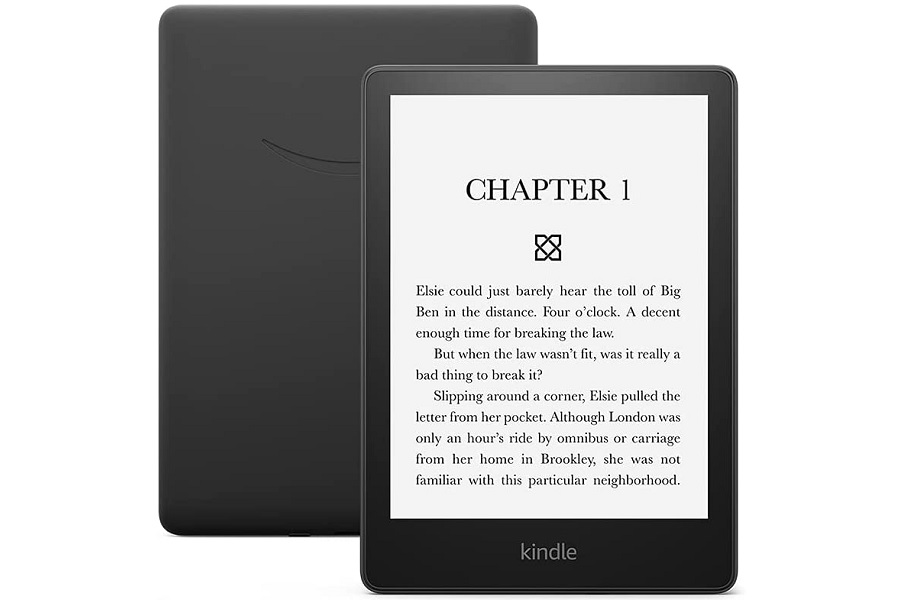
It looks like both the deals I mentioned in yesterday's deal alert email are still available today. That means you can get Amazon's Kindle Paperwhite e-reader for a record-low price of $100 (reg. $140), or get the version without lock screen ads for $20 more. Apple's latest iPad Mini also remains at its record-low price of $400 with 64 GB (reg. $499) or $540 with 256 GB (reg. $649). |
Meanwhile, Amazon is holding a Mother's Day sale—presumably it'll last all week—with deals on Echo speakers, other Kindle e-readers, Fire tablets, and more. Most of these deals are not out of the ordinary for Amazon, though the Echo Show 15 smart display has now received its first price drop. It's on sale for $200, down from the usual $250. |
Again, I hope you all enjoy the new Wi-Fi article and guides collection on the website. While Advisorator remains a newsletter-first publication, building an ad-free website has been a longstanding goal of mine, and I'm glad to have some infrastructure in place to expand on it. (I also find that discussing said goals provides a strong impetus for me to actually get them done. To that end, a better welcome page and archive experience are also on the agenda.) |
As always, let me know what you think and if you have any tech questions I can answer! |
This has been Advisorator, written by Jared Newman and made possible by readers like you. Manage your subscription by clicking here, or reply to this email with "unsubscribe" in the subject to cancel your membership. |
|

 Jared Newman | May 3, 2022 |