
Tip of the week: Put your wallpaper to work

Welcome to Advisorator’s Tip of the Week, helping you learn something new from the tech world every Tuesday.
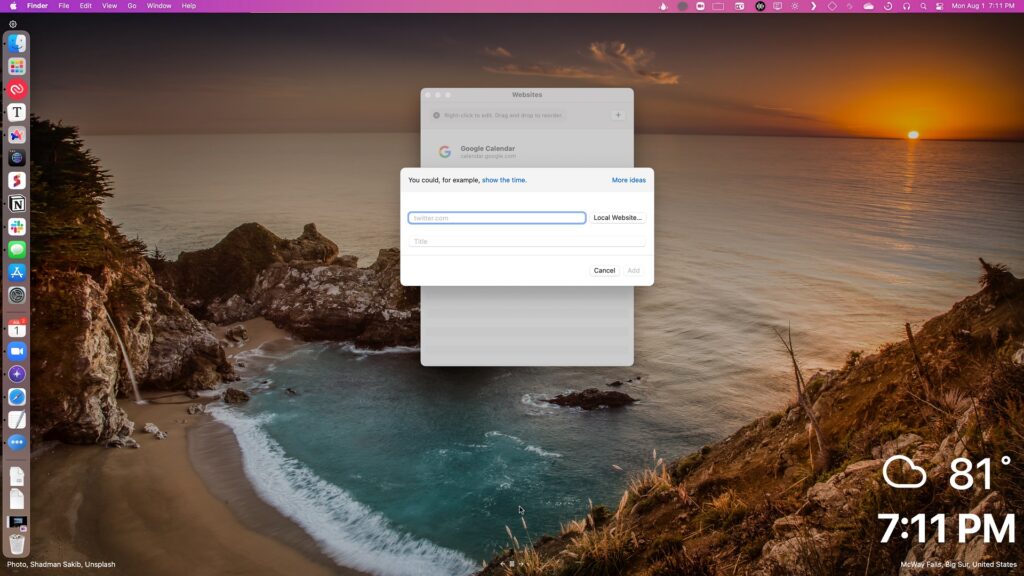
Plash is an extremely cool Mac app that turns websites into desktop wallpapers. Just install the app and select a website, and Plash will make it your background, even updating it in real-time. (You can also enable “Browser” mode in the menu bar to make changes on the page.)
Why would you want to do this? Some use cases to consider:
- Creating your own information dashboard with Tabliss.
- Displaying a live weather map from windy.com.
- Showing an up-to-date snapshot of your Google Calendar.
- Viewing the current weather as screenshots from Minecraft.
- Showing a simple but beautiful analog clock.
Any website that’s always being refreshed with new information will be a great fit, especially if it doesn’t require any interactivity on your part.
What about Windows? While it’s not quite as focused in purpose, Lively Wallpaper has a similar feature for turning websites into wallpapers. Just click the “Add Wallpaper” button, then add a website under “Enter URL.” You can also disable live mouse input under ⚙ Settings > Wallpaper.