
Advisorator Free: Two cool web apps to try

Two cool web apps to try

Thanks for tuning into the free version of Advisorator! I’m still playing around a bit with the format of this newsletter, and I’d like to experiment with sending out a slightly meatier newsletter every two weeks, rather than once per week. Let me know what you think.
As always, paid subscribers get a weekly newsletter with in-depth feature topics, more tips, extra deals, and other need-to-know info. Sign up here if you’re interested!
For this issue, I wanted to highlight a couple of useful new web apps that you can check out for free.
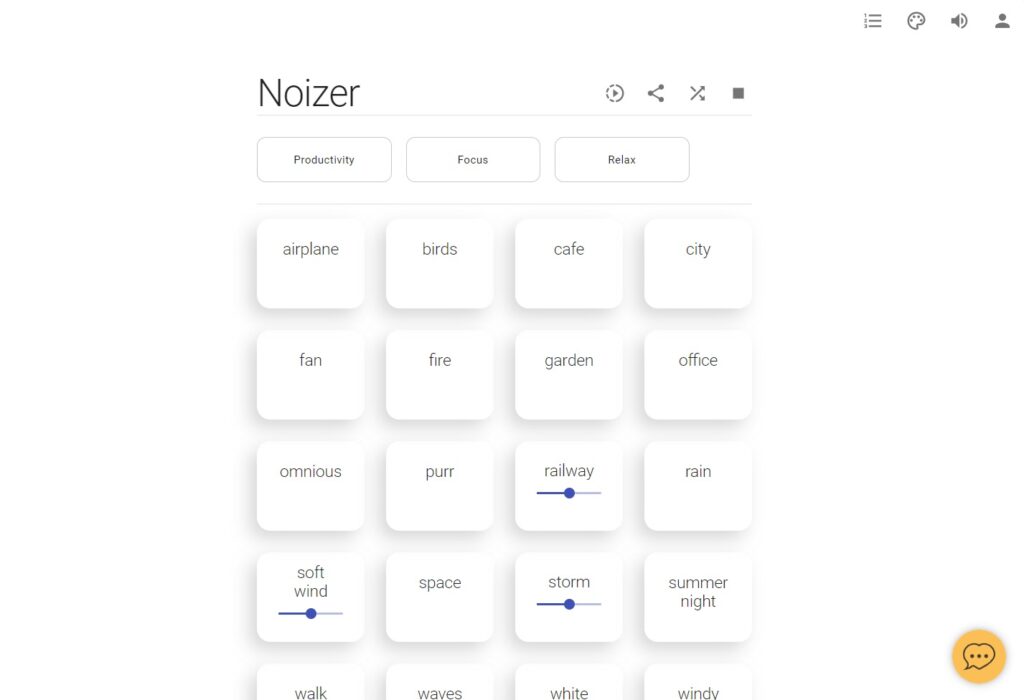
The first is called Noizer, and it’s a free site for listening to ambient noise so you can relax or stay focused. It has a simple menu for creating custom sound mixes and can cycle through soothing gradient color patterns as you listen.
Noizer’s primary inspiration is another site called Noisli, which I used to love before it let its mobile apps languish started requiring a subscription for more than 1.5 hours of listening per day. While Noizer is pretty similar, it’s free to use with no listening limits. I still prefer the $6 Dark Noise app on my iPhone or iPad, but Noizer is a fine alternative when I’m plugged into my PC instead.
Fast file sharing: Next time you want to send a large file without using a cloud storage service like Dropbox, give Wormhole a try. The free service lets you share files up to 10 GB in size with end-to-end encryption, via links that expire after 24 hours. It’s a spiritual successor of sorts to Firefox Send, which shut down last year amid concerns that people were using it to spread malware. (Naturally, you should only accept files from people you know and trust.)
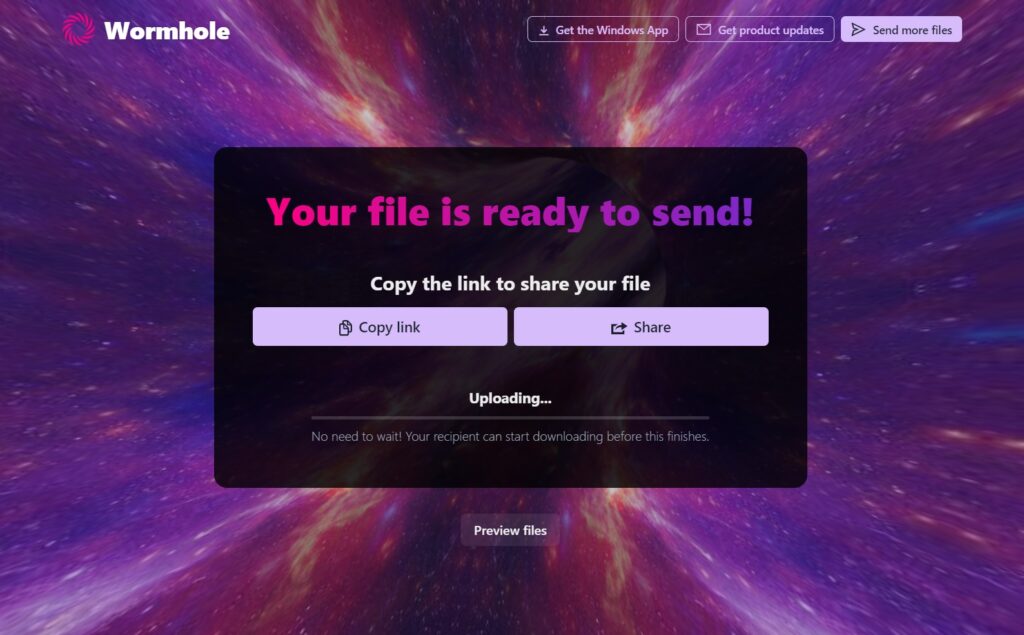
Wormhole also has a couple features I haven’t seen in other file-sharing tools: It uses a form of web streaming that lets the recipient start downloading even before your upload is finished, and it can use peer-to-peer networking to quickly transfer files across your own Wi-Fi network. That makes it handy for sending files to yourself.
While Wormhole isn’t available through the iOS App Store or Google Play Store, the website works just as well on your phone as it does on a laptop or desktop. Just head to wormhole.app to check it out.
The latest from PCWorld
I’m excited to share that PCWorld has started syndicating some of my favorite tips from previous Advisorator newsletters. These articles should run roughly every two weeks; sharing them here is another reason why I’m experimenting with a biweekly format for the free edition of this newsletter.
The most recent article is all about a neat app called John’s Background Switcher, which has a sorely-overlooked feature that lets you turn Google Photos albums into desktop wallpapers. I’ve been using this app to automatically create collages of my kids, and it never fails to make me smile when I sit down at my desk. Read the full article on PCWorld for more details.
If you missed it, you can also read my first syndicated story, which was all about eye-pleasing Windows 10 tweaks.
Spend wisely
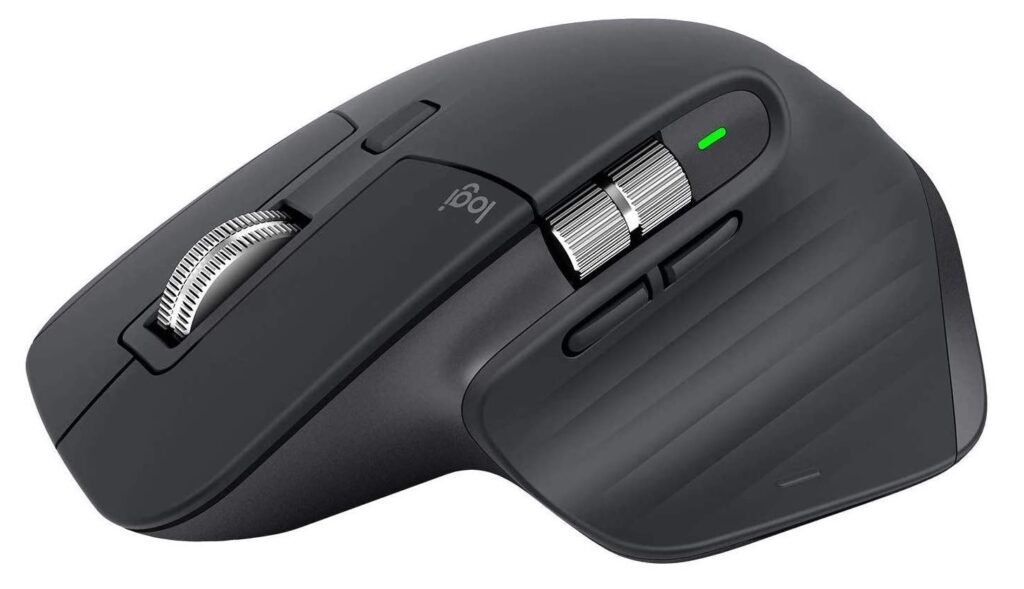
Now’s a fine time to upgrade your mouse with Logitech’s MX Master series on sale again. Staples has the MX Master 3 for $80 with the code 79674, while Lenovo has the older MX Master 2S for $50 with the code MXMASTER50.
Of the two, the MX Master 3 has a more refined design and nicer scroll wheels, but they’re both excellent mice that keep your hand comfortable over extended periods. (I use the 2S at my desk.) They can pair with up to three devices via a wireless USB dongle or Bluetooth, and they have a Micro-USB jack at the front for recharging.
Thanks for reading!
What do you think about this format? I’d love to hear your thoughts, along with any tech questions you might have. And if you’re enjoying these tips, please take a minute to share the sign-up link with a friend.
Until next time,
Jared