
Tip of the week: An extra-private web browser

Welcome to Advisorator’s Tip of the Week, helping you learn something new from the tech world every Tuesday.
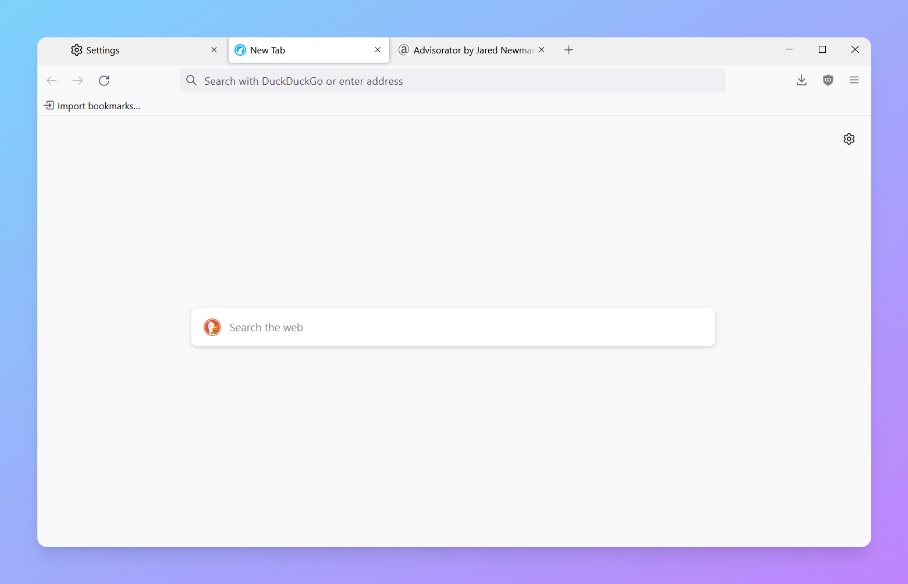
Librewolf is a free web browser for Windows, Mac, and Linux that’s basically a stripped-down version of Firefox with uBlock Origin’s tracker blocker pre-installed. As a result, it offers stronger privacy protection than Firefox alone, and it eliminates some clutter, such as Firefox’s search bar ads and the “Add to Pocket” button.
Although Librewolf has been around for a couple of years now, I only discovered it through PrivacyTests.org, a site that compares the anti-tracking features of various web browsers. Seeing Librewolf fare better than practically every other major browser—including Chrome, Edge, and Safari—made me want to check it out.
The closest alternative is Brave, which uses the open-source code behind Google Chrome to build a much more privacy-centric browser with built-in ad blocking. But like Firefox itself, Librewolf has a more customizable interface, plus it doesn’t have any weird cryptocurrency schemes attached.
By default, Librewolf does make some big trade-offs to maintain its privacy focus. For a more traditional browsing experience, I suggest making some tweaks:
- Install this extension to automatically check for updates.
- Enable Google Safe Browsing under Settings > Librewolf to help block malicious sites.
- Enable Digital Rights Management under Settings > General so you can watch Netflix.
- Disable “Delete cookies and site data when Librewolf is closed” under Settings > Privacy & Security.
- Under Settings > Cookies and Site data, use “Manage Exceptions” to stay logged into specific sites after closing the browser.
Having to make those tweaks means that Librewolf won’t be for everyone, but it’s a compelling option for when privacy is paramount.