|
Plus: Gmail's new look and early Prime Day deals The big list of free stuff |
Plus: Gmail's new look, simpler Spotify playlists, and early Prime Day deals |
With so many potential things to pay for on the internet—like, say, your favorite tech advice newsletter—it's all the more important to know what you can get for free. |
To that end, I've compiled a list of free resources for e-books, music, games, software, and videos. Some are ad-supported, and some require a library card, while others have no strings attached. But in all cases, they offer vast amounts of content at no charge. (I've avoided any outright examples of piracy.) |
Have fun exploring, and keep this list in mind next time you feel like everything's getting more expensive: |
-
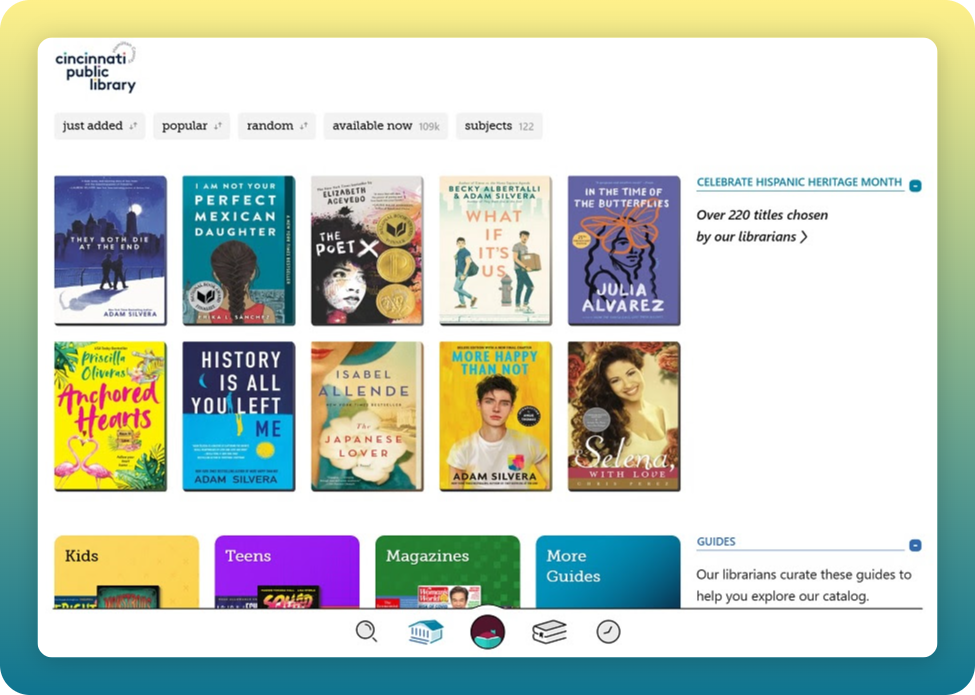
Libby: For e-books and audiobooks.
-
Hoopla: For movies, TV shows, comics, audiobooks, e-books, and music streaming.
-
Kanopy: For movies and documentaries.
-
Freegal: For streaming music, plus weekly MP3 downloads.
|
-
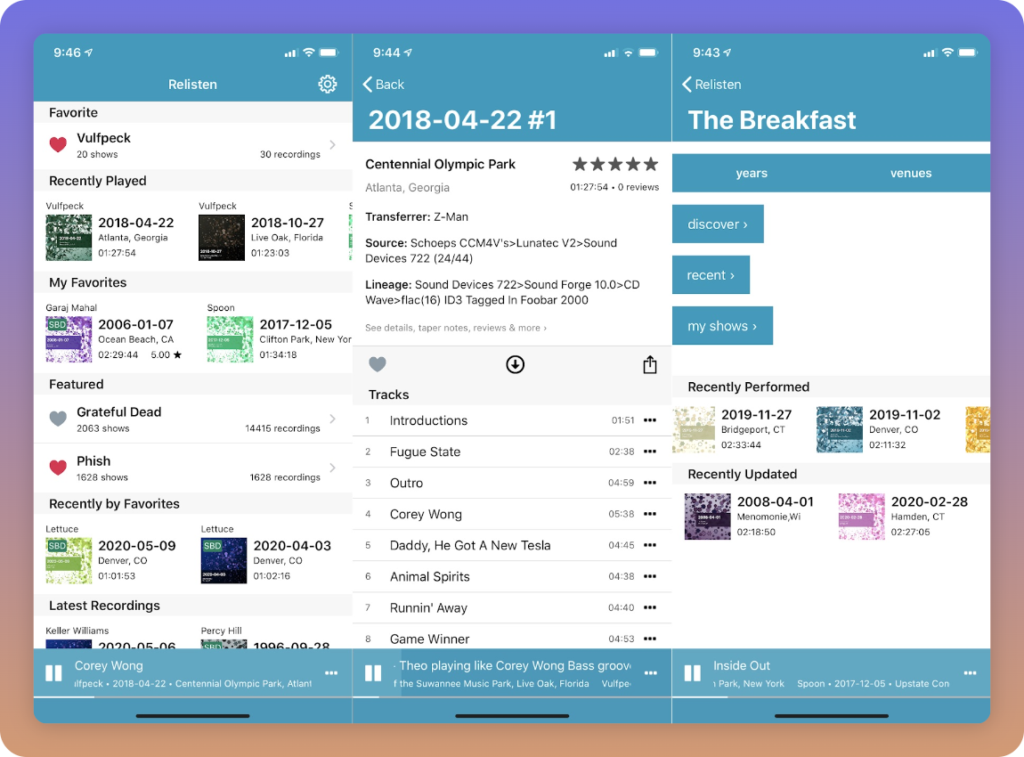
Live Music Archive: Live concerts to stream or download. For Phish, see Phish.in.
-
Relisten or Taper's Section: Free live music streaming on your phone.
-
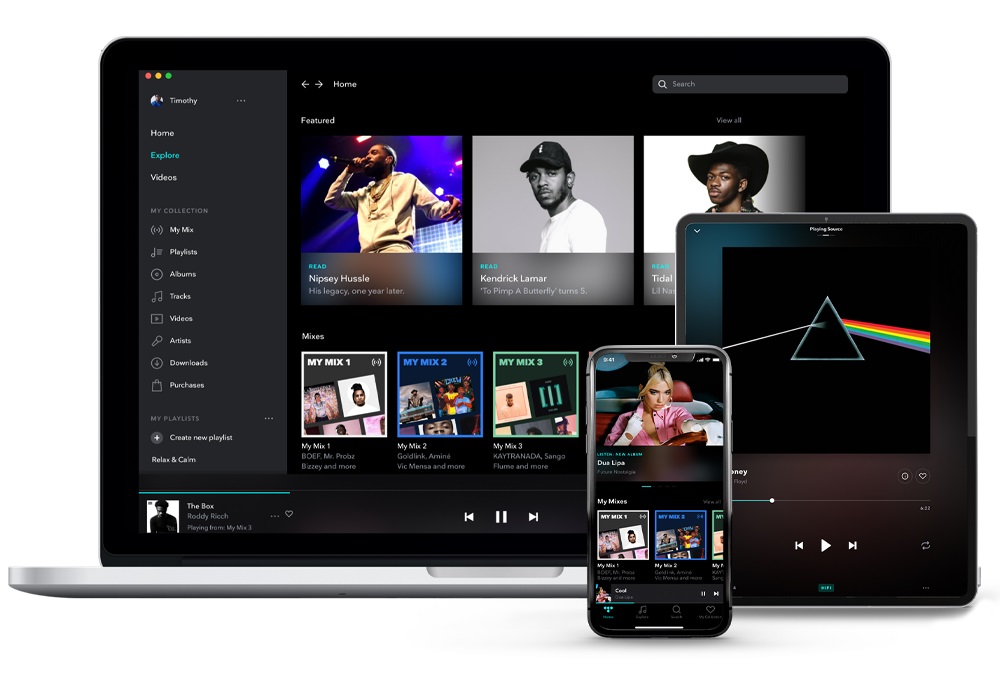
Tidal or Spotify: Use their websites to play any song or album on-demand.
-
TuneIn or iHeart: Listen to radio stations from around the world.
-
Pandora or Jango: For simple and customizable artist-based stations.
-
Musi: iPhone app that plays on-demand songs from YouTube, with playlist support and background audio.
-
Amazon Music: More than 2 million songs on-demand, with no ads for Prime subscribers.
|
-
Epic Games store: Offers free PC games every month, no strings attached.
-
Prime Gaming: A rotating selection of free game downloads, plus in-app items for many popular PC games. (Requires a Prime subscription.)
-
Itch.io's free section: Weird indie games for Windows, Mac, and Linux
-
MyAbandonware: More than 20,000 classic PC games that are otherwise unavailable to purchase. (Occupies a legal gray area, and setup for some games can be challenging.)
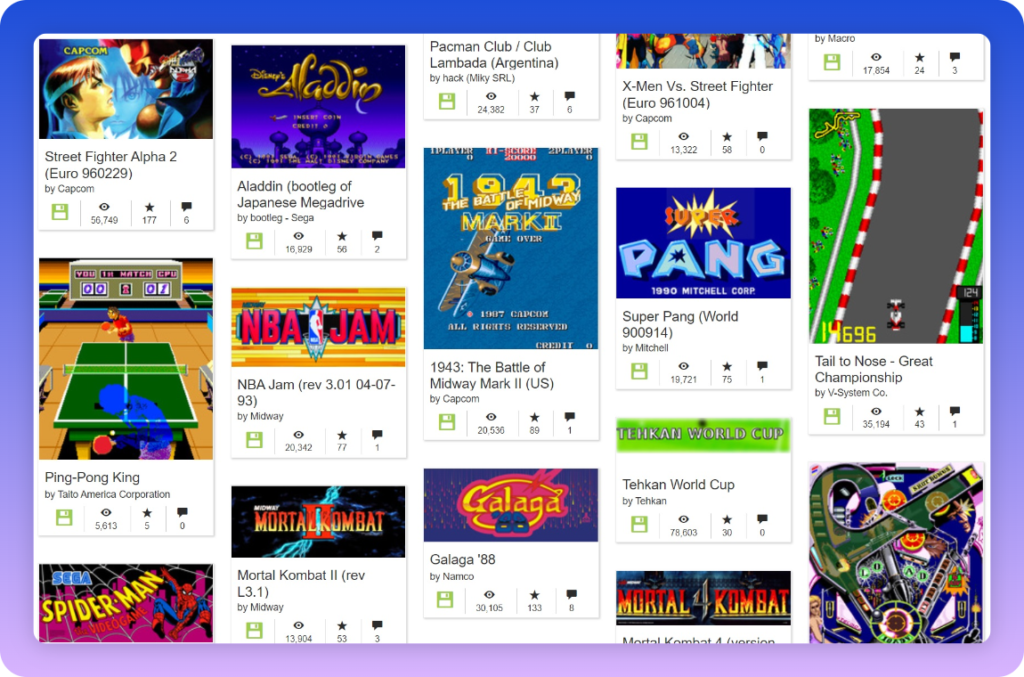
- Archive.org's Internet Arcade and MS-DOS library: Play classic arcade and PC games in any web browser. in your web browser. (For the Arcade, press Tab to view or change controls.)
|
-
Standard Ebooks: Hundreds of classic, public domain books with improved page formatting and proofreading.
-
Project Gutenberg: For a larger public domain book selection.
-
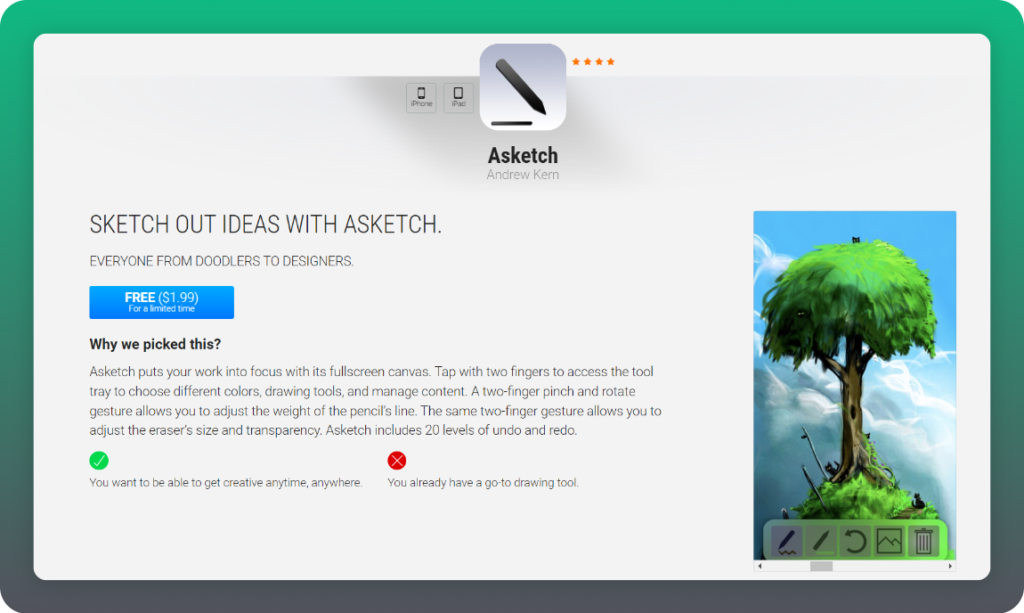
Centsless Books: Searchable directory of free Kindle books.
-
Open Library: Offers popular books to borrow, but availability is limited. (Make sure to select "Borrow for 14 days" from the "Return now" drop-down menu.)
-
Prime Reading: Offers free magazines, plus e-books. (Prime subscription required.)
|
The selection of free streaming TV services is so vast that one could probably write an entire article on that topic alone. |
Like everything else on my websites, the article is presented without any annoying ads or creepy trackers, and in this case, it's not behind a paywall, so you can share it with anyone. Take a look! |
Password manager improvements: Allow me to connect the dots between a couple of recent stories: |
- Google's built-in password managers in Chrome and Android now have a unified look and feel plus a few new features: You can now manually create new passwords, generate secure passwords directly within Chrome on iOS, and create a shortcut widget to your password list on Android devices.
- 1Password can now remember when you use third-party sign-in options, such as "Sign in with Google" or "Sign in with Apple." It can then automatically select that method when you go to sign in on another device.
|
As Google, Apple, and Microsoft add more table-stakes features to their password managers, third-party services like 1Password will have to work even harder to stay competitive. 1Password's new sign-in manager is a clever example of that, and I'm excited to see more innovations like it in the future. |
Firefox's privacy upgrade: The latest version of Firefox helps block a sneaky form of tracking that's becoming more popular among advertisers. It's called query parameter tracking, and it works by adding some code to the links you click on, allowing sites to share data about your behavior as you move between them. As I wrote in a Fast Company story last summer, standard ad- and tracker-blocking doesn't work against this method, and it's tricky to block without causing some websites to break. |
For now, Firefox only blocks query parameter tracking on its "Strict" mode, which is enabled by default in private browser windows, but otherwise must be turned on under Settings > Privacy & Security. The Brave web browser blocks this type of tracking as well. |
Google's location un-logging: Google says that in the coming weeks, it will start automatically deleting sensitive health-related places from users' location histories, including abortion clinics, domestic violence shelters, fertility centers, and addiction treatment clinics. |
Health-related search topics are one of the main reasons I've been defaulting to Brave Search lately. Even if what I'm searching for isn't especially sensitive, I simply feel better knowing that data isn't being logged in the first place. |
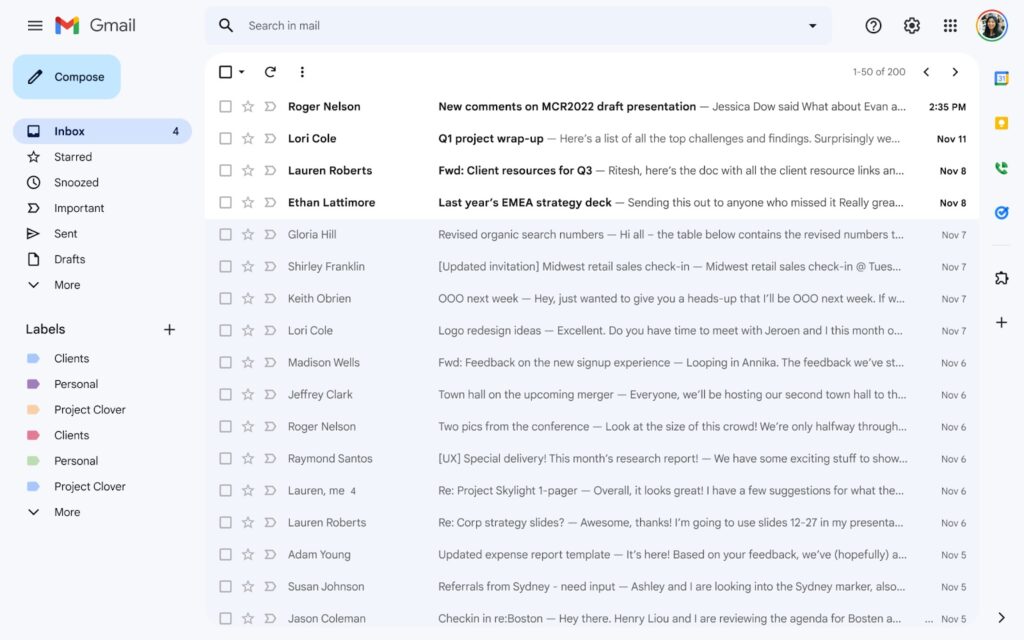
Try (or avoid) the new Gmail: Last week, Google started opting users into a major Gmail website redesign, with more stylish fonts and clearer sidebar navigation. I think it's a welcome facelift, even if I don't care for the optional Google Chat and Google Meet integration. |
If you don't see the new look, you may be able to enable it manually: |
- Make sure you've turned on Google Chat in Gmail under ⚙ Settings > See all settings > Chat and Meet, and set the "Chat Position" to the side of the inbox.
- Go back to your inbox, click ⚙ Settings, and select "Try out the new Gmail view."
- In the new view, click ⚙ Settings, select "Customize" under "Chat and Meet," where you can disable the Chat and Meet sidebar.
|
Conversely, you can revert to the old Gmail by clicking ⚙ Settings and selecting "Go back to the original view." |
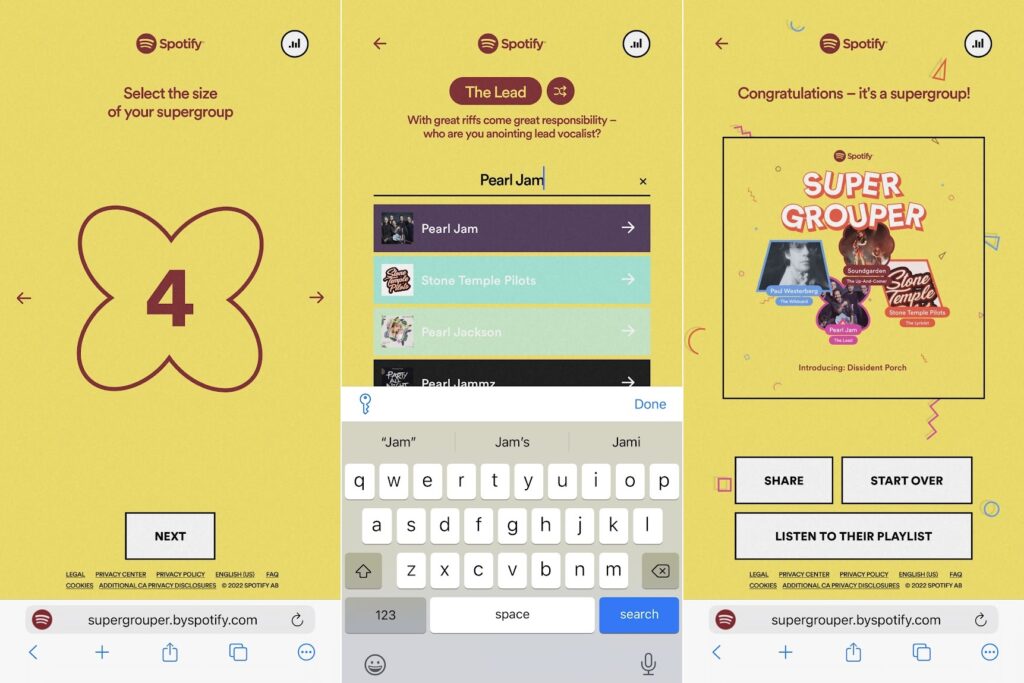
Spotify's new playlist maker: Spotify is experimenting with a quick way to generate playlists based on a handful of artists. Just visit spotify.com/supergrouper on your phone, then choose the artists you want to include. Spotify will spit out a playlist that you can then open in the Spotify app. |
While it's no substitute for the demise of Spotify Stations, it does at least simplify the act of creating a mix based on multiple specific artists. (In addition to playing the playlist itself, you can also tap "..." and select "Go to radio" to hear similar music based on the artists in the playlist.) |
Best Buy has brought back its deeply-discounted Tidal subscriptions, letting you get three months of the streaming music service (including HiFi Family plans) for just $1 total. This deal is available even if you've subscribed before—I've redeemed Best Buy's offer three times now—and you can cancel immediately after signing up to avoid being billed full price. |
Just note that subscriptions are managed through Best Buy, so you'll have to cancel through Best Buy's subscription portal after you've redeemed the offer. (Make sure to select "Keep until subscription expires" when you do.) |
Meanwhile, Amazon is jumping the gun on Prime Day with a bunch of early deals: |
The actual dates for Prime Day are July 12 and 13, which happens to coincide with next week's newsletter. I'll be sure to keep you in the loop on the best deals I can find. |
It's nice to be back after a long weekend in which I mostly avoided doing too much work, sort of. We'll return to the regular Tuesday publishing schedule next week. |
In the meantime, please let me know if you have any feedback on this issue or questions you'd like me to answer. |
This has been Advisorator, written by Jared Newman and made possible by readers like you. Manage your subscription by clicking here, or reply to this email with "unsubscribe" in the subject to cancel your membership. |
|

 Jared Newman | July 6, 2022 |